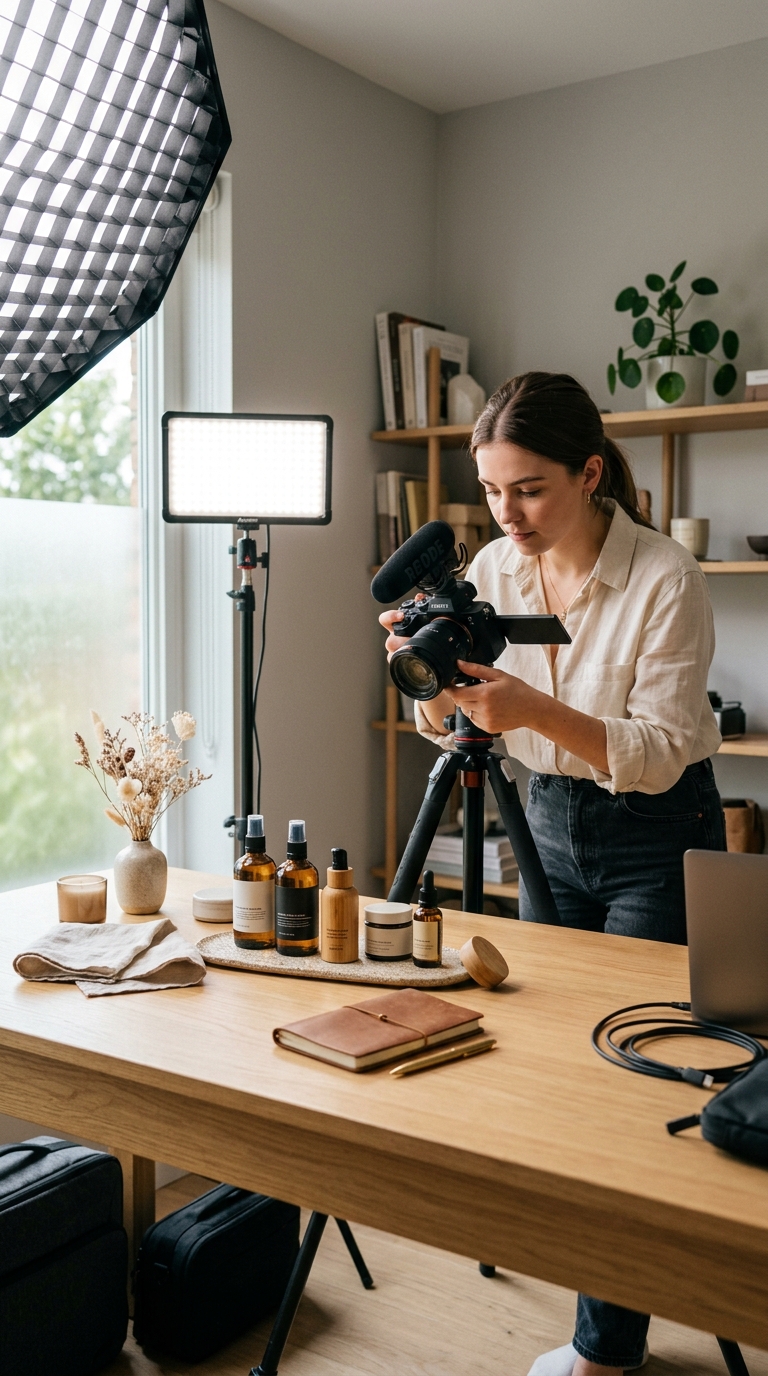
Changing Without Ruining
Changing elements without ruining realism.
Advanced Image Editing
Go beyond basic edits.
Modify elements, refine details, and enhance images deeply - while keeping everything natural and realistic.
Edit boldly. Preserve realism.
The problem
Basic editing tools work for simple fixes - but fail when edits get complex. Advanced edits shouldn't mean advanced pain.
Edit Image with AIChanging elements without ruining realism.
Editing multiple areas consistently.
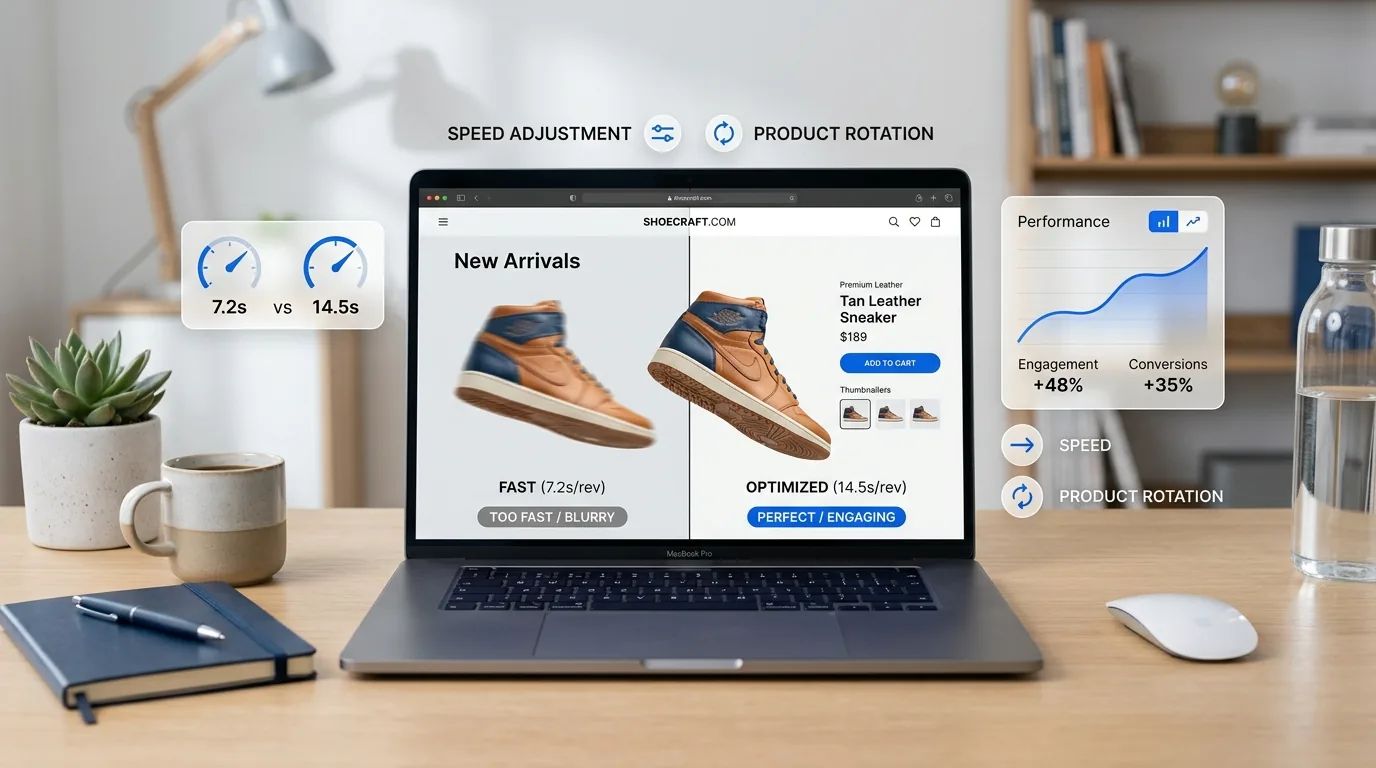
Preserving lighting, shadows, and textures.
Spending hours on professional tools.
Edit with AI to:
Complex edits. Simple process.
What is it?
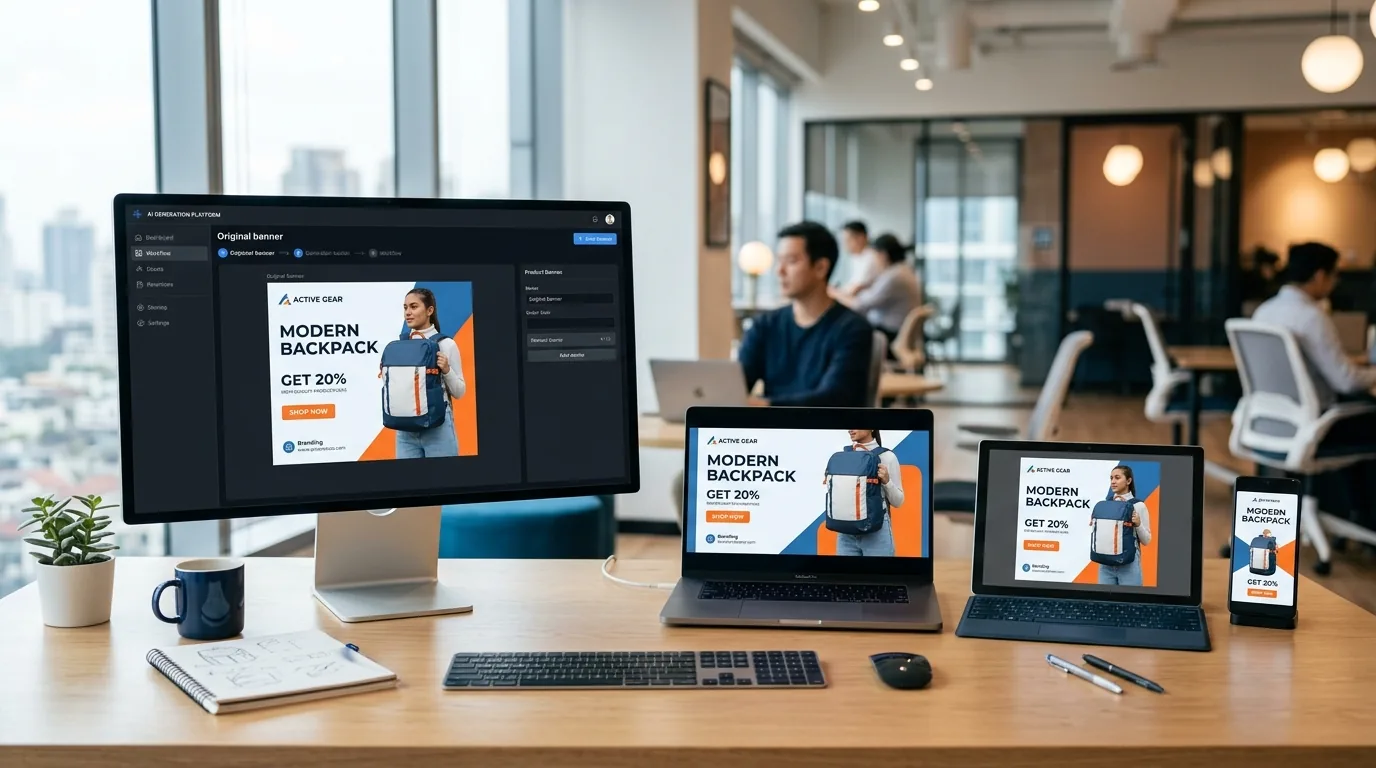
Advanced Image Editing is a powerful AI-driven tool that allows you to perform deep, multi-layer image modifications - without destroying image quality.
You can modify objects or elements, enhance fine details, and adjust complex visuals intelligently. AI understands context - so edits blend naturally.
Simple workflow
Control-first workflow:
Complex edits. Simple process.
What You Can Do with Advanced Image Editing
Edit multiple elements in one image.
Preserve lighting, shadows, and depth.
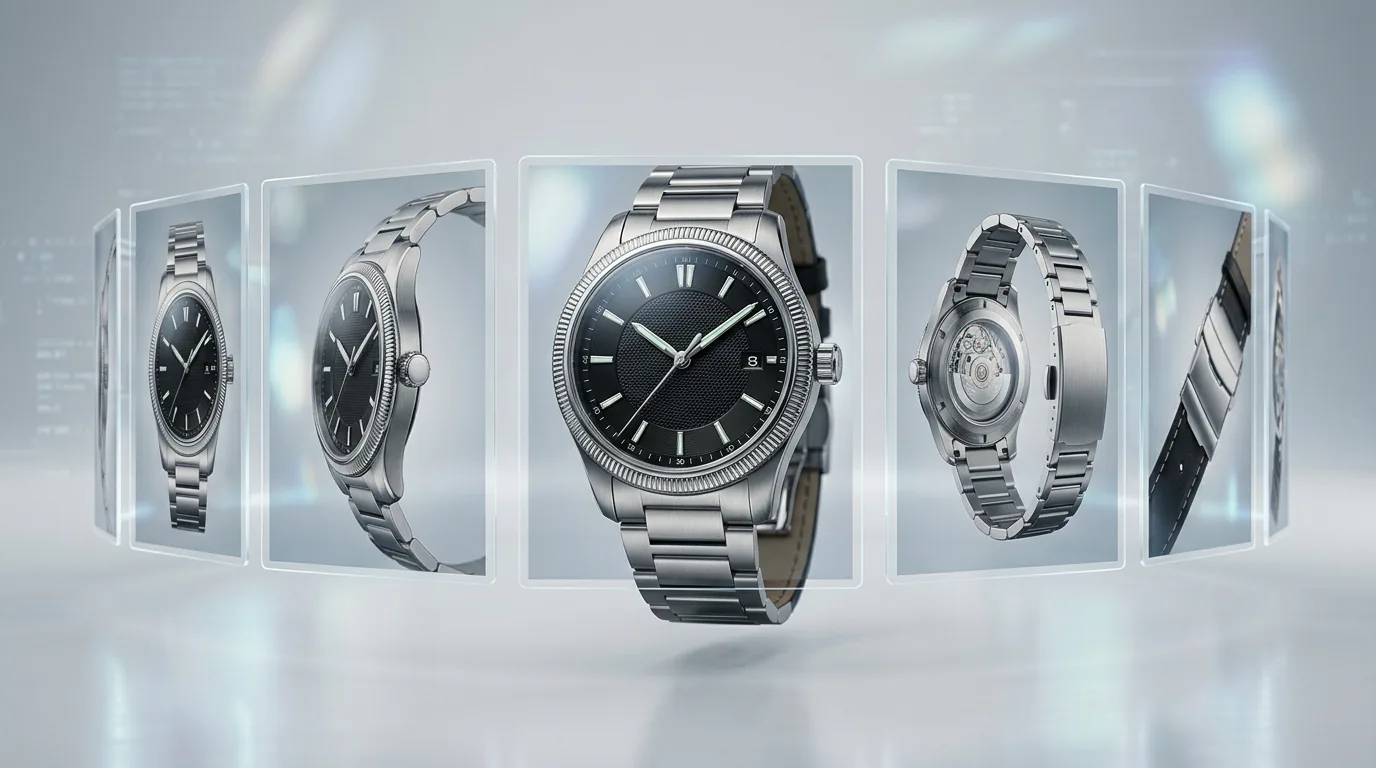
Enhance textures and fine details.
Maintain consistency across edits.
Perform professional-grade changes.
Built for serious creative control.
Who Should Use Advanced Image Editing?
Refine visuals for premium campaigns.
Customize creatives deeply without reshoots.
Handle complex client revisions efficiently.
Upgrade visuals beyond basic edits.
LovPics Tools
Advanced Image Editing integrates with: Multi-Pose Generation to refine generated poses; Apparel Color Switch to enhance color outputs; AI Background Replacement to blend environments; Single-Point Smart Retouch to finish micro-details; Bulk Image Export to deliver edited sets.
Advanced control fits anywhere in the workflow.
Comparison
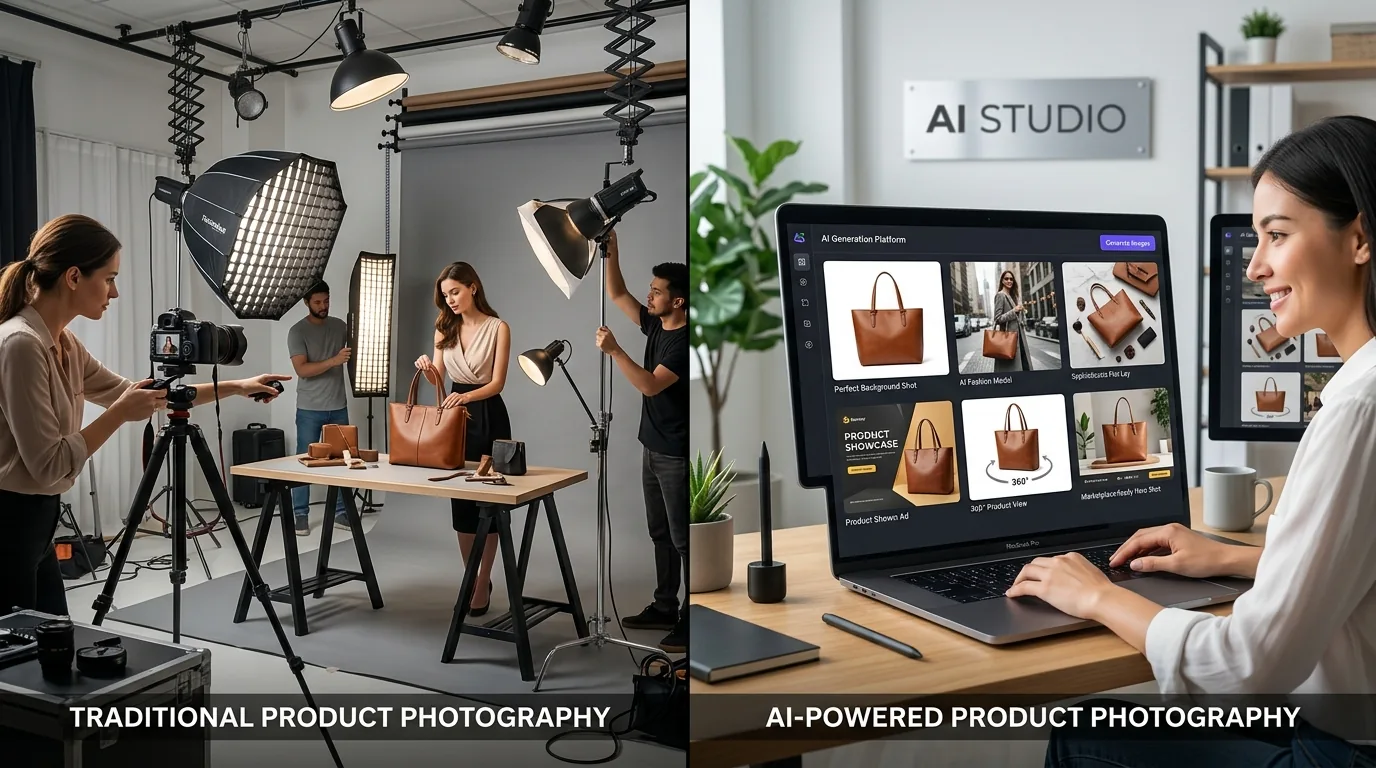
Basic Editing → Limited, surface-level.
Advanced Image Editing → Deep, controlled, realistic.
When precision matters, go advanced.
Make bold changes safely.
No complex software learning.
Reduce designer dependency.
Studio-level quality with AI speed.
FAQ
Complex Edits. Simple Workflow.
With Advanced Image Editing, LovPics gives you professional-level control - without professional-level complexity.
Start advanced image editing with AI today
Share your mobile number and our team will call you to walk through Lovpics - product shoots, fashion, reels, and more.
By submitting, you agree to be contacted about Lovpics. We respect your privacy.