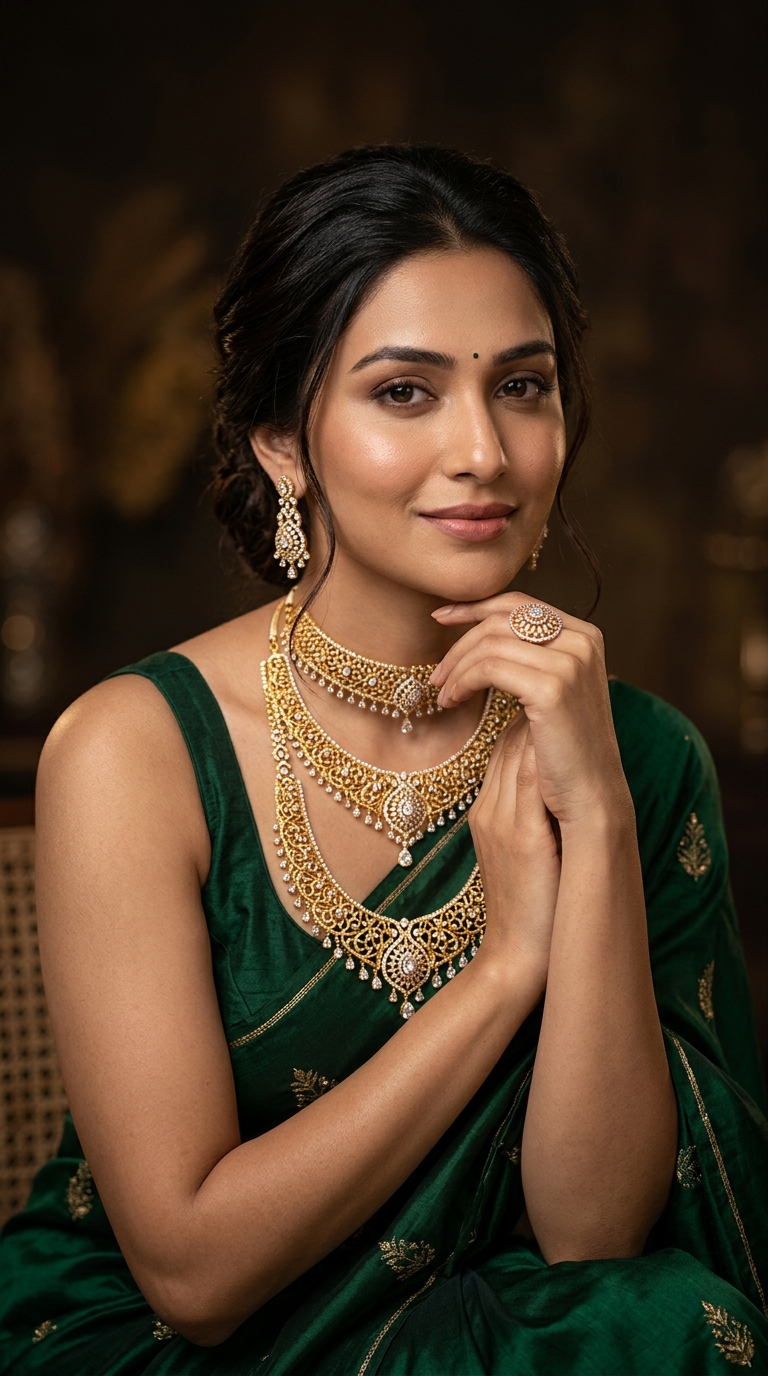
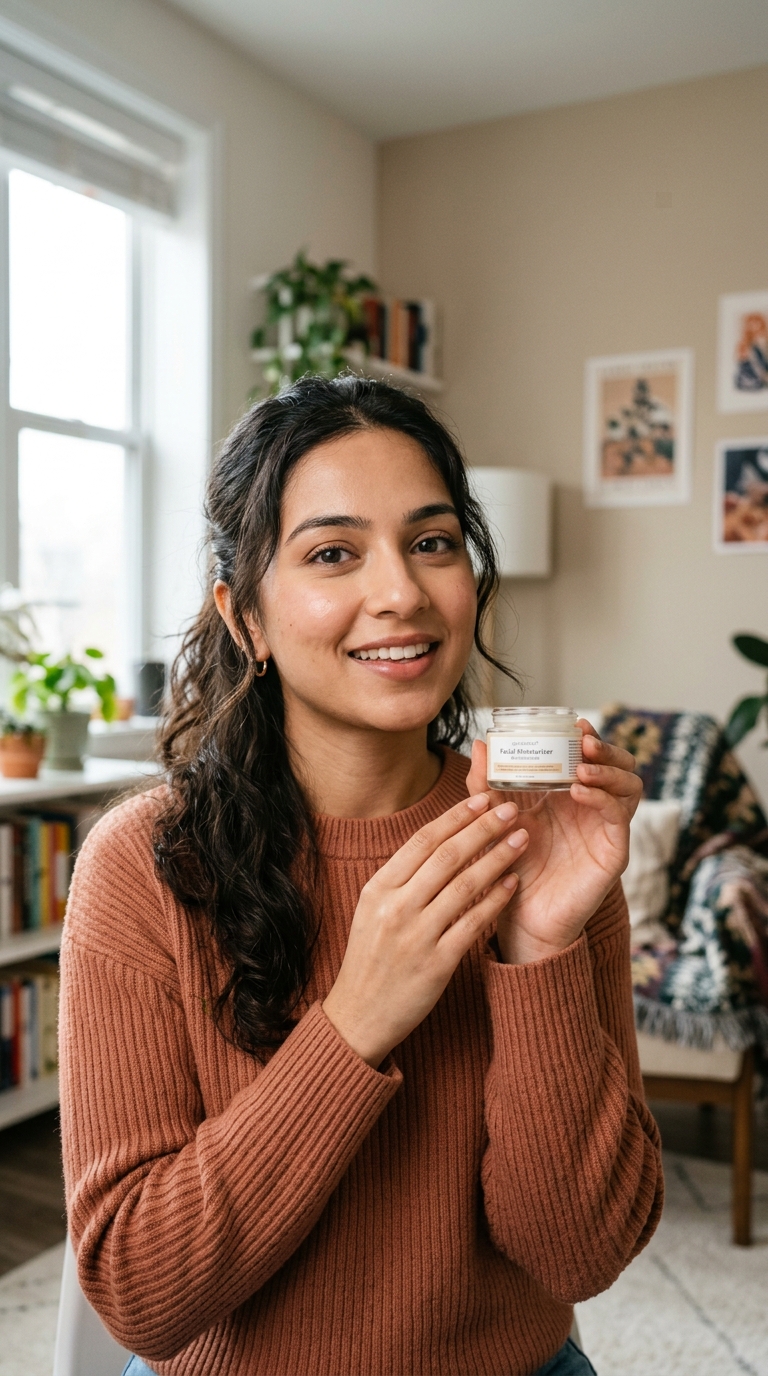
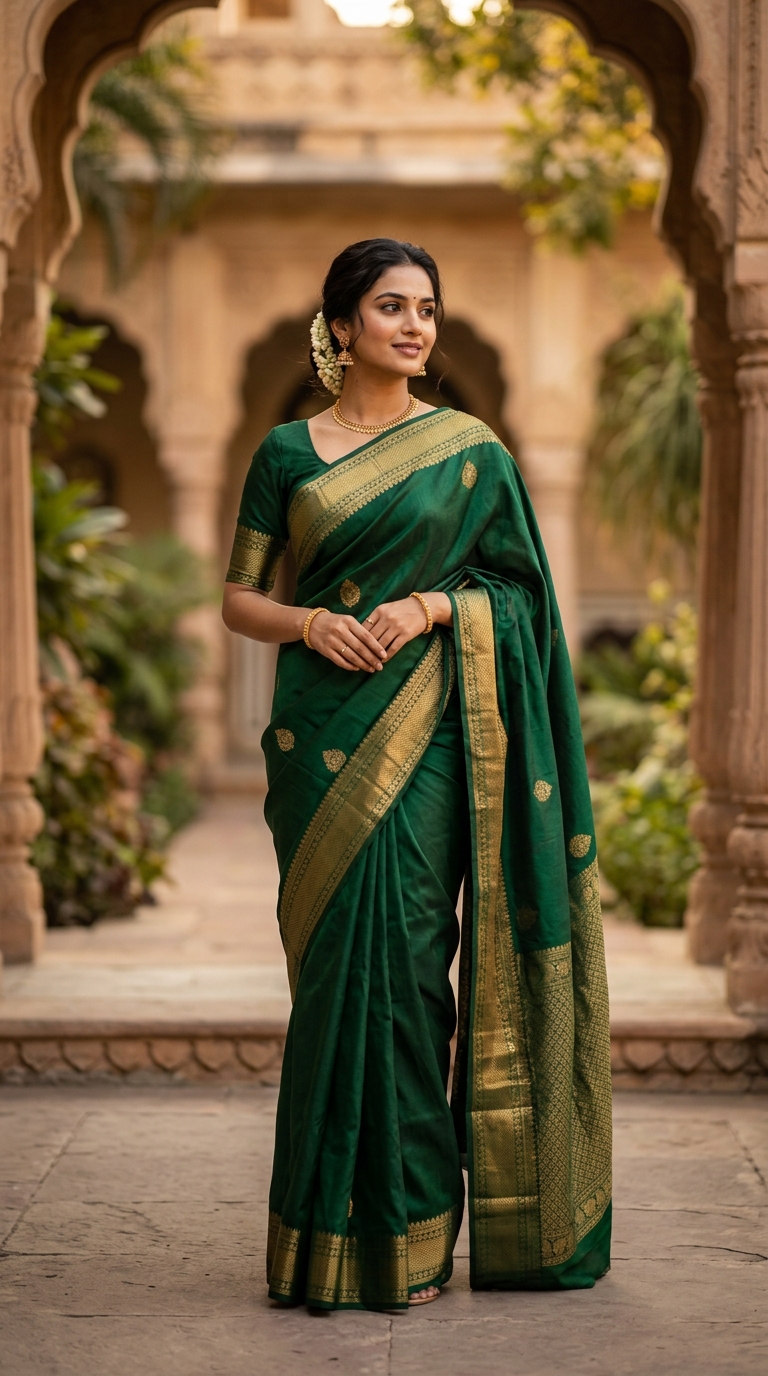
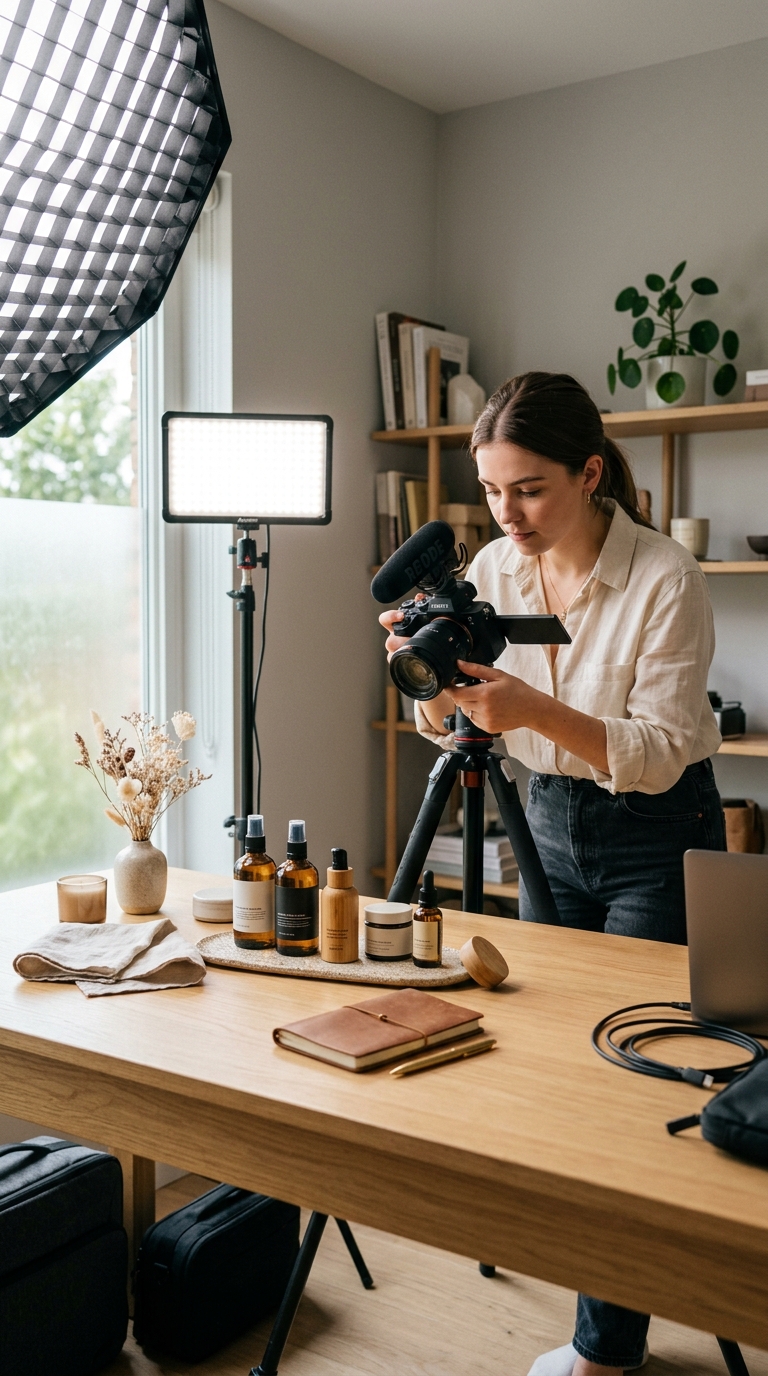
Over-Editing
Over-editing that changes image character.
Precision Image Editing
Make highly accurate, detail-level edits using AI -perfect for final polishing, professional campaigns, and high-impact visuals.
When details matter, precision wins.
The problem
Most AI editing tools are built for speed -but not for final-stage perfection. When visuals are almost perfect, even small mistakes are costly.
Edit with PrecisionOver-editing that changes image character.
Loss of realism in detailed areas.
Inability to control fine elements.
Risky last-minute edits before launch.
Refine with AI precision to:
Nothing changes unless you intend it to.
What is it?
Precision Image Editing is an advanced AI editing tool designed for high-accuracy, fine-grained adjustments.
It allows you to edit specific micro-areas, maintain exact composition and pose, and preserve realism, texture, and balance. This tool is ideal for final refinements, where quality and control matter more than speed.
Simple workflow
Detail-focused workflow:
Nothing changes unless you intend it to.
What You Can Do with Precision Image Editing
Perform pixel-level image refinements.
Preserve pose, framing, and realism.
Maintain original lighting and texture.
Perfect fine details without distortion.
Apply precise edits across selected images.
Built for perfection -not shortcuts.
Who Should Use Precision Image Editing?
Finalize hero images before publishing.
Refine premium visuals where details sell.
Deliver polished, client-ready assets.
Ensure visuals meet professional standards.
LovPics AI Photoshoot
Precision Image Editing integrates naturally with Album Creation Packs to polish album images, AI Creative Director to stay aligned with brand vision, AI Concept Generator to refine concept visuals, Bulk Image Export to deliver final assets at scale, and AI Media Manager to manage edited versions cleanly.
Precision fits perfectly at the final stage of your workflow.
Comparison
Smart Image Editing → Fast, everyday corrections.
Precision Image Editing → Controlled, high-accuracy refinements.
Use Smart Editing early. Use Precision Editing before launch.
Only the intended area is modified.
Pose, framing, and balance stay intact.
Edits blend naturally with the image.
Perfect for premium campaigns and catalogs.
FAQ
Finish Strong with Precision
With Precision Image Editing, LovPics gives you the control needed to perfect images without risking quality, realism, or consistency.
Start refining images with precision today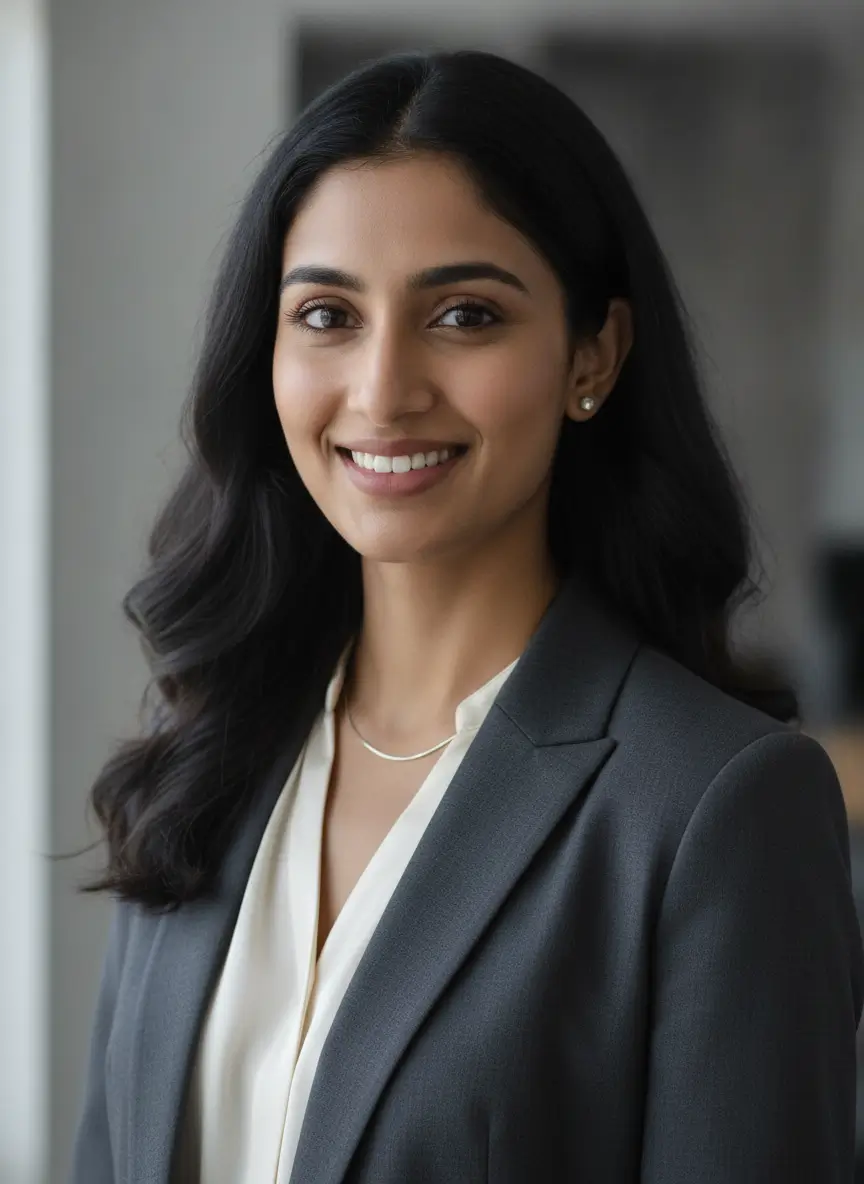
Share your mobile number and our team will call you to walk through Lovpics - product shoots, fashion, reels, and more.
By submitting, you agree to be contacted about Lovpics. We respect your privacy.