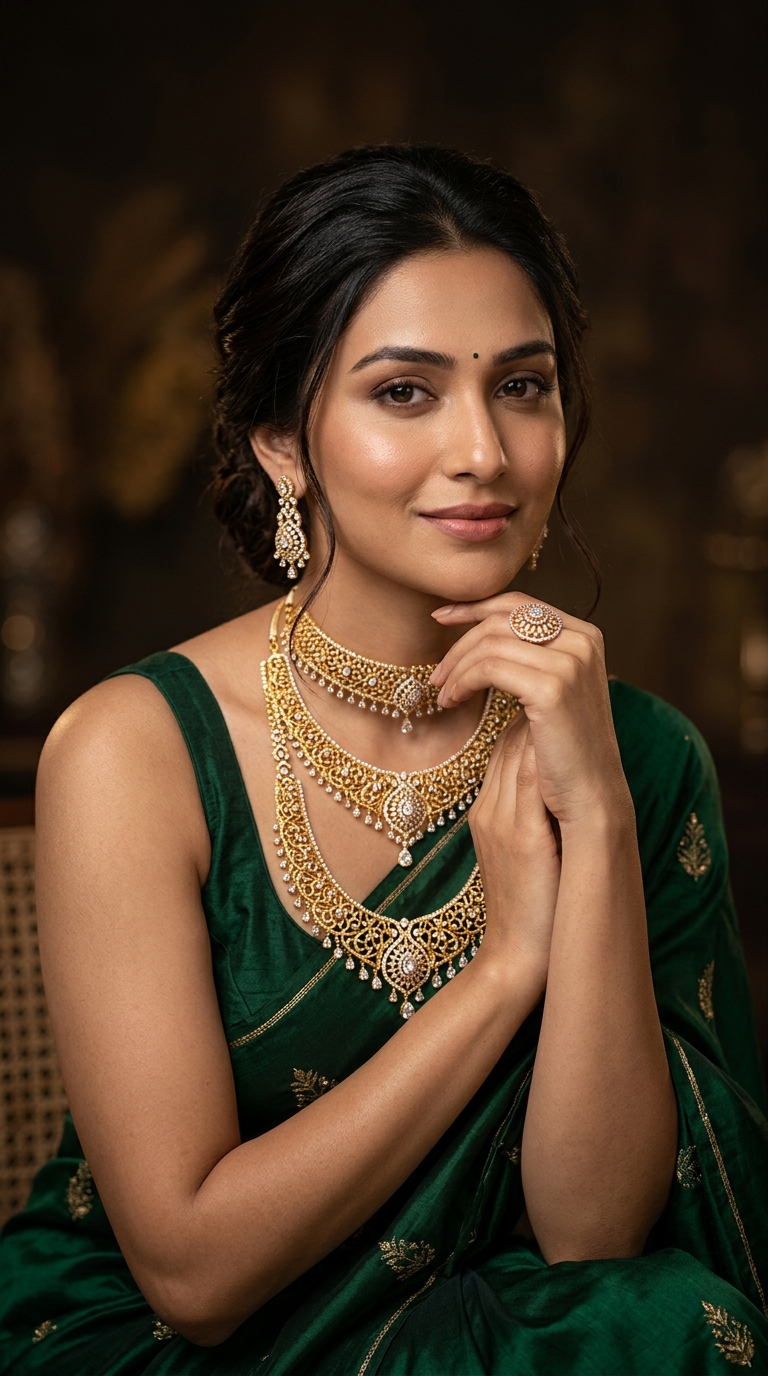
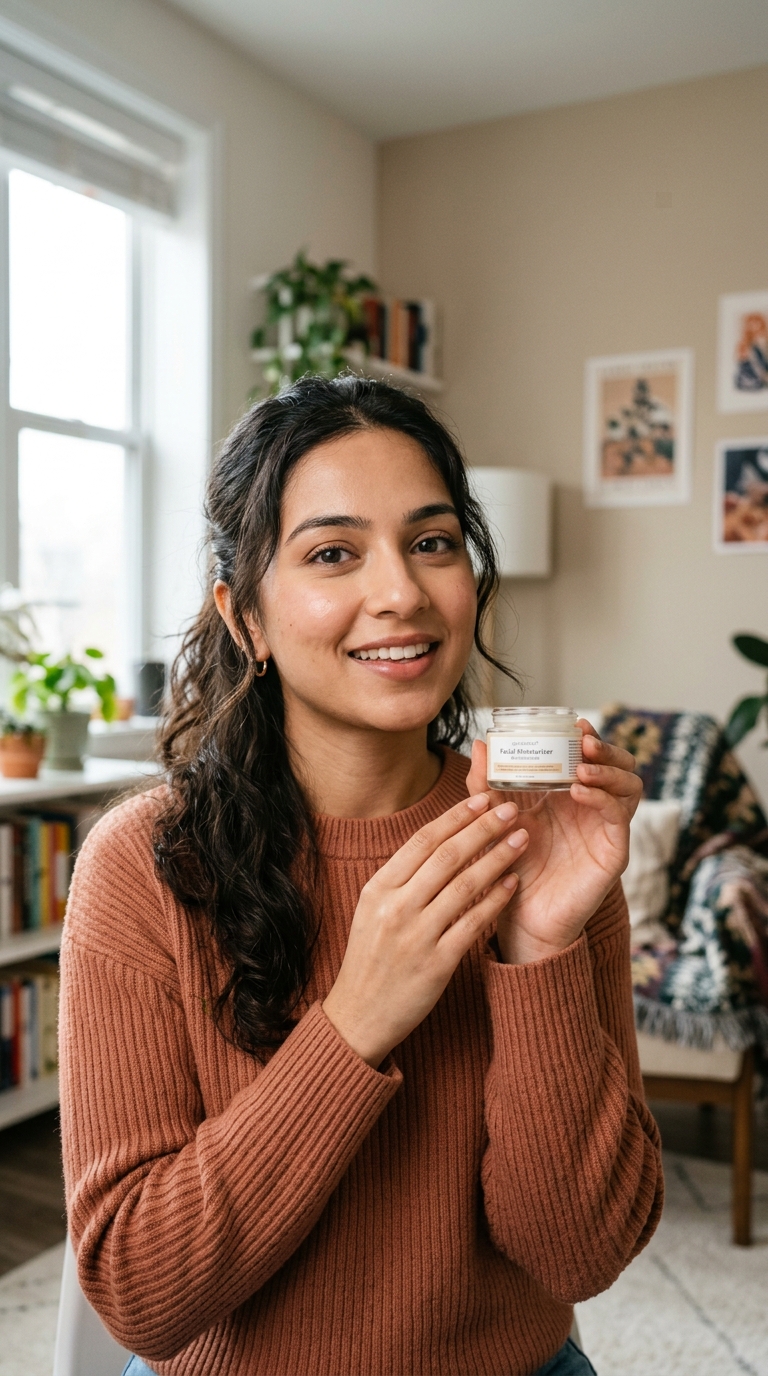
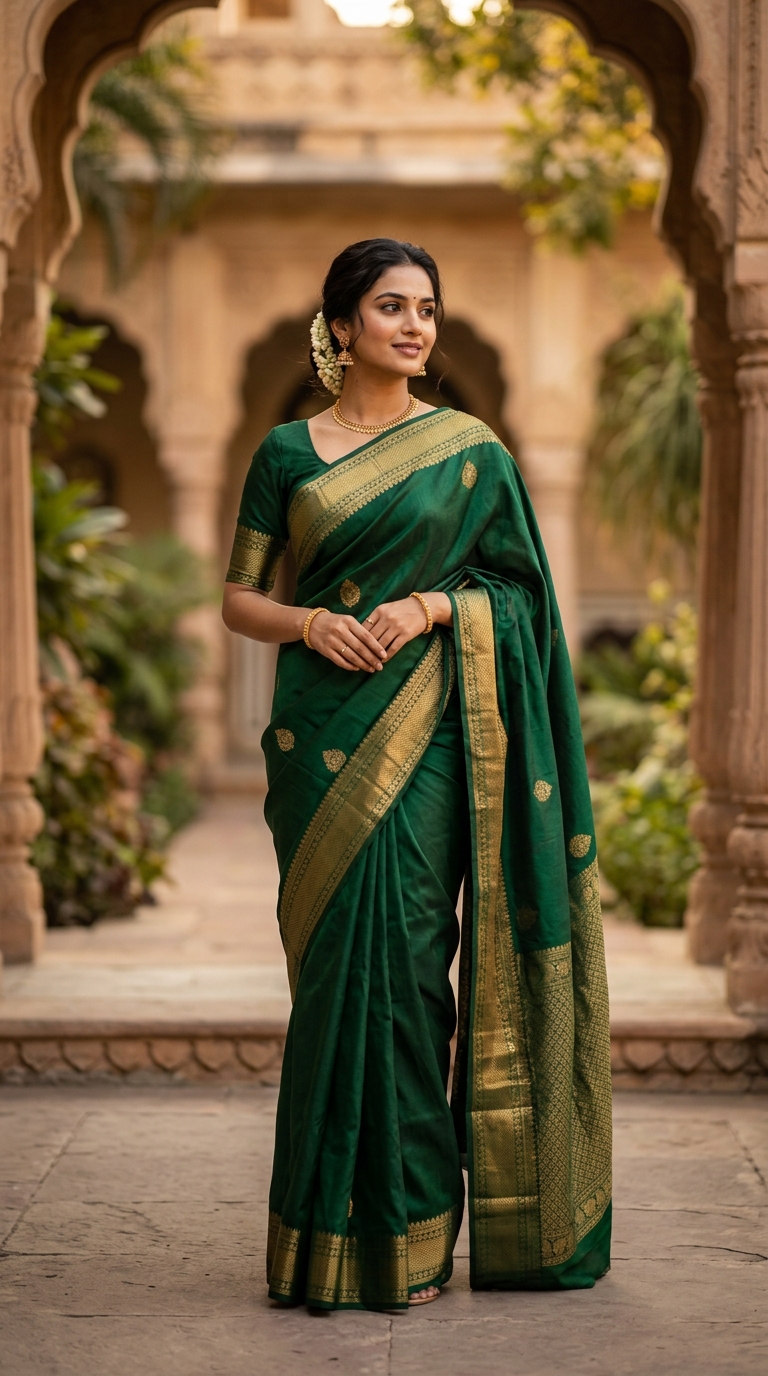
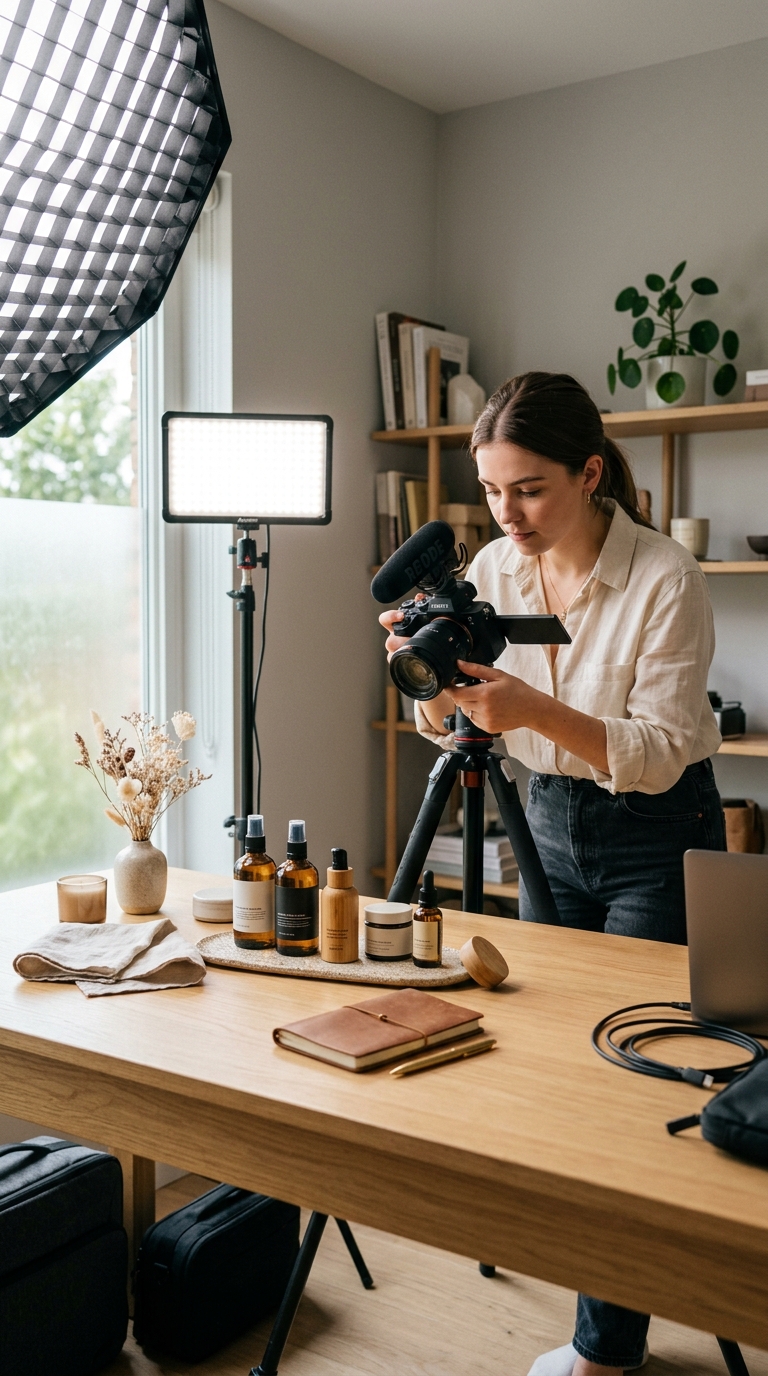
Opening Heavy Tools
Opening heavy tools for minor changes.
Smart Image Editing
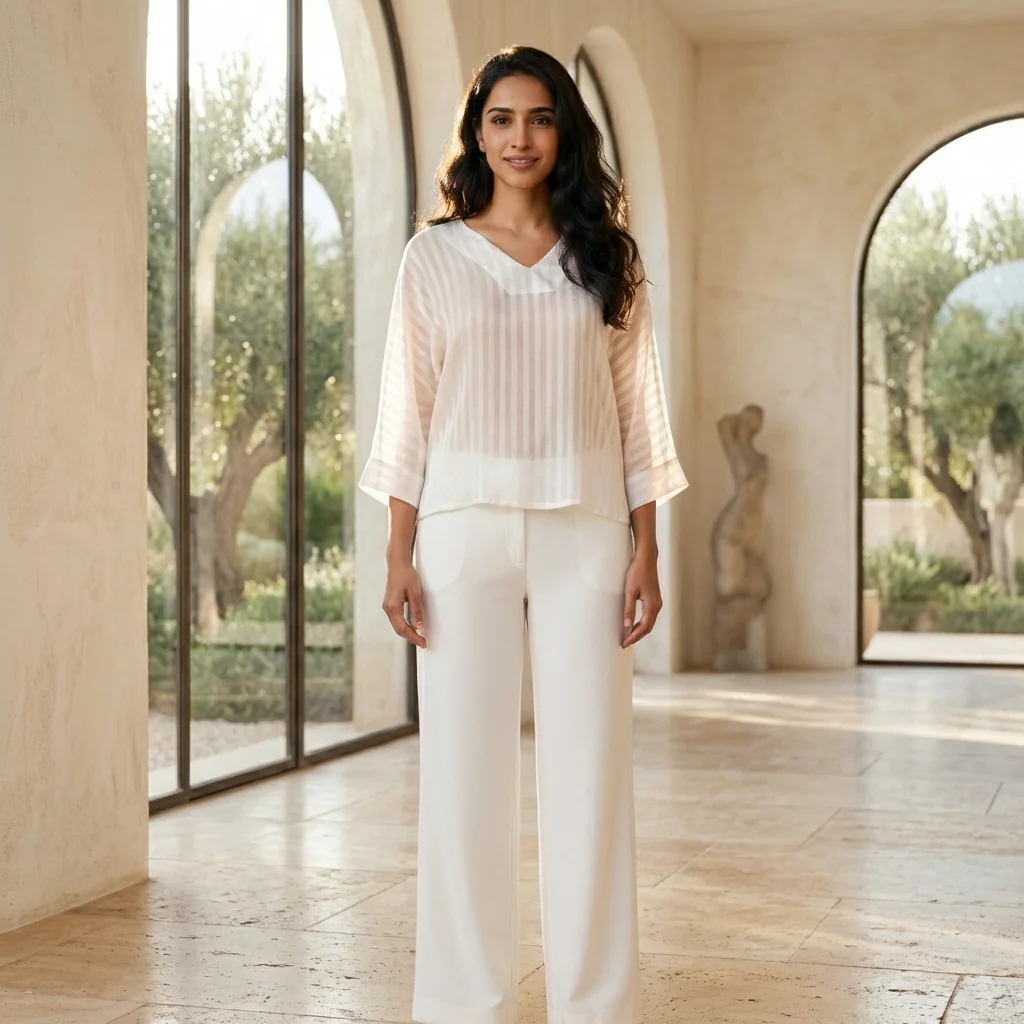
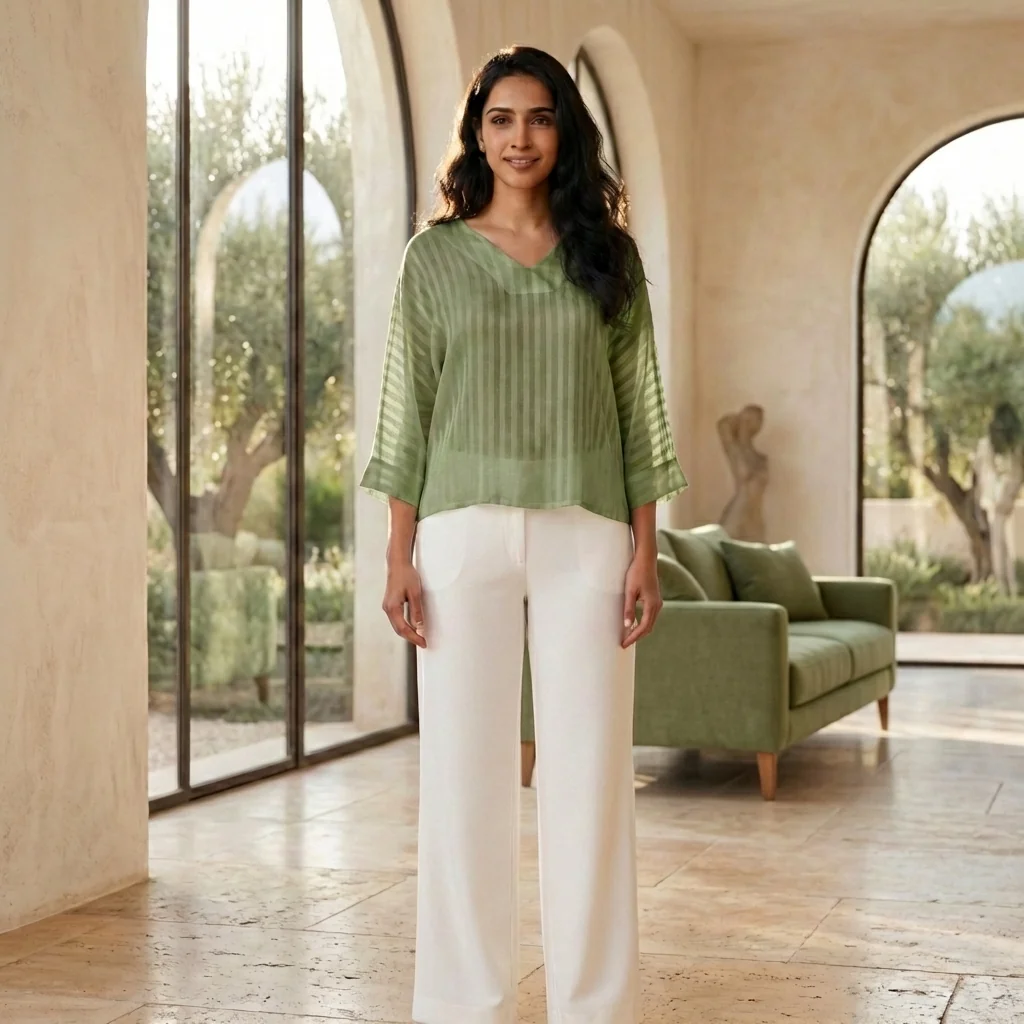
Refine, adjust, and enhance images using AI -without re-editing, re-shooting, or damaging the original image.
Fast fixes. Clean results. Zero hassle.
The problem
Most images don’t need full redesigns -just small corrections. These small delays add up and slow down launches.
Edit Images SmartlyOpening heavy tools for minor changes.
Risking distortion while editing.
Losing consistency across edits.
Depending on designers for simple fixes.
AI-powered edits let you:
Small change. Immediate impact.
What is it?
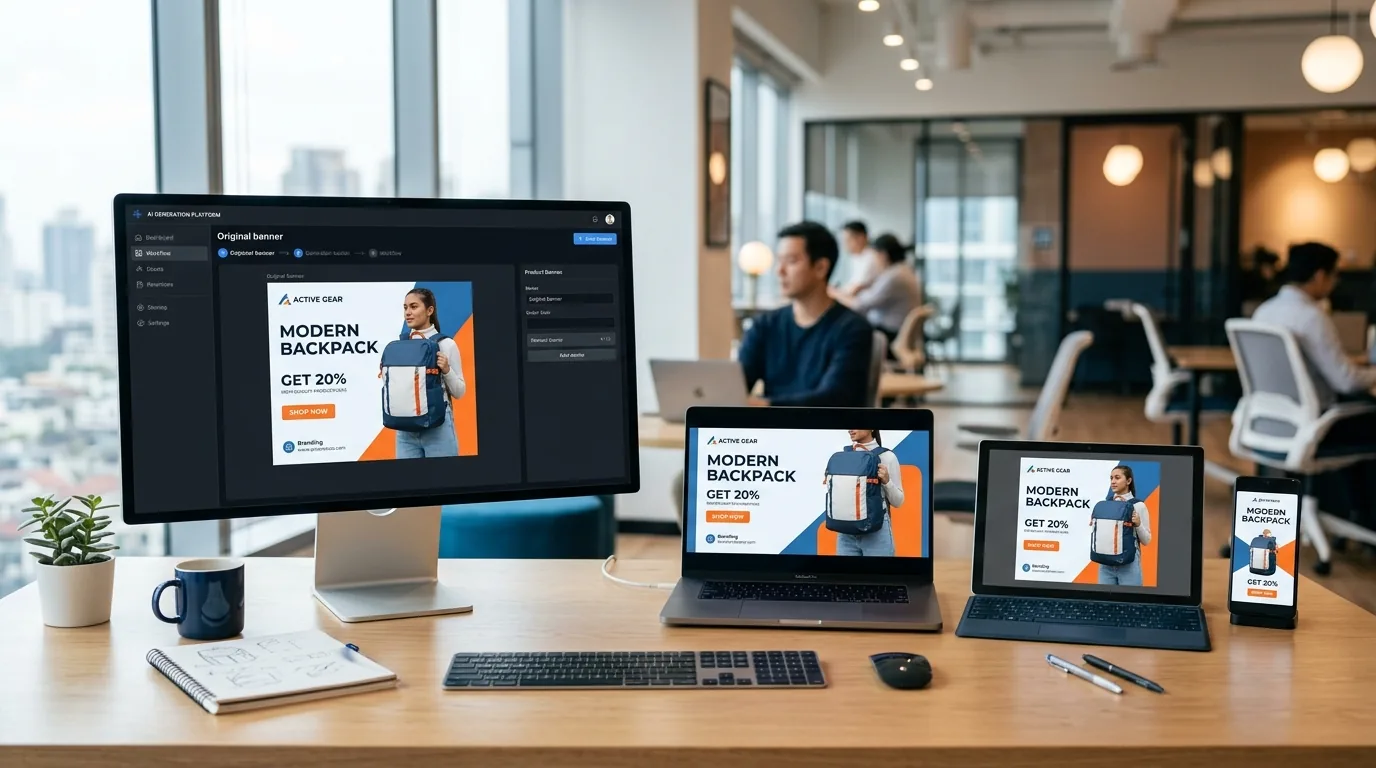
Smart Image Editing is an AI-powered editing tool that allows you to make quick, targeted image changes while preserving the original image’s structure, pose, proportions, and quality.
The AI understands what should change and what should stay untouched. No destructive edits. No trial-and-error.
Simple workflow
Simple, edit-first workflow:
Small change. Immediate impact.
What You Can Do with Smart Image Editing
Make non-destructive image edits.
Adjust specific areas without affecting the rest.
Preserve pose, framing, and proportions.
Maintain image realism and clarity.
Apply fast refinements across multiple images.
Built for accuracy, not experimentation.
Who Should Use Smart Image Editing?
Refine garment details without touching model poses.
Make quick fixes to product images before listing.
Apply last-minute edits to campaign creatives.
Handle client revisions faster and cleaner.
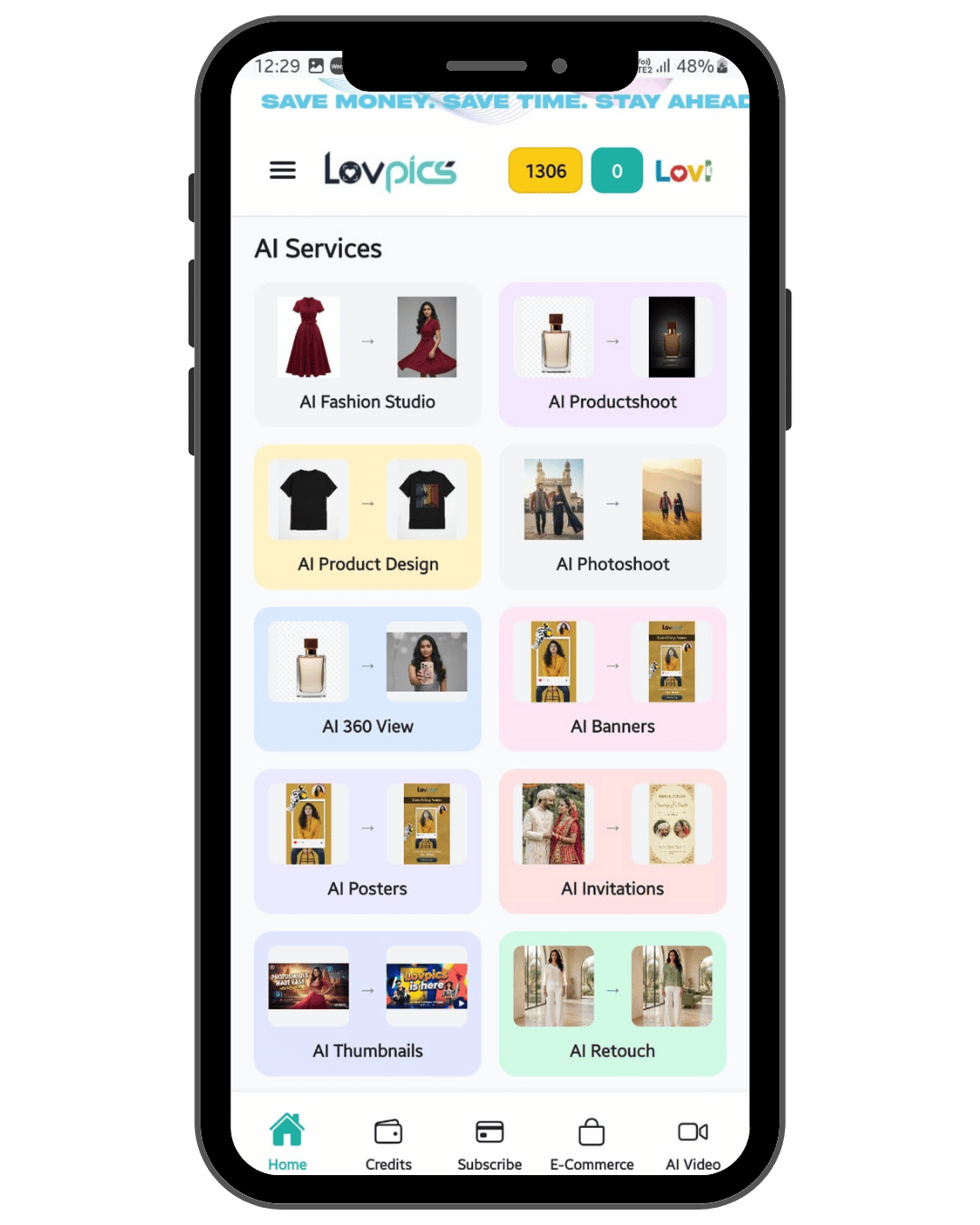
LovPics AI Fashion Studio
Smart Image Editing integrates perfectly with AI Creative Director to follow creative guidelines, AI Concept Generator to refine concept-based visuals, Multi-Pose Generation to adjust pose outputs, Apparel Color Switch to finalize color variants, E-commerce Image Packs to polish catalog visuals, and Bulk Image Export to download edited images at scale.
One edit. Many downstream benefits.
Quick clarity
Smart Image Editing – Fast, everyday refinements. Use when speed and precision matter most.
Advanced Image Editing – Deeper, detailed adjustments.
Fix images in seconds, not hours.
Original quality stays intact.
Only intended areas are changed.
Apply consistent edits across large image sets.
Small change. Immediate impact.
Drag images here
FAQ
Make the Right Fix, Not a Full Redesign
With Smart Image Editing, LovPics lets you correct, enhance, and finalize visuals instantly without risking quality or consistency.
Start editing images the smart way
Share your mobile number and our team will call you to walk through Lovpics - product shoots, fashion, reels, and more.
By submitting, you agree to be contacted about Lovpics. We respect your privacy.