Redesigning the Same Content
Redesigning the same content repeatedly.
Multiple Design Styles
Why settle for one look?
Generate multiple visual design styles instantly and choose what fits your brand, audience, or platform best.
One idea. Many creative directions.
The problem
A design that works in one place may fail in another. Creative flexibility shouldn't slow you down.
Generate Design StylesRedesigning the same content repeatedly.
Guessing which style will work best.
Limited creative exploration due to time.
Overdependence on designers for variations.
Generate with AI to:
No redesign loops. No creative blocks.
What is it?
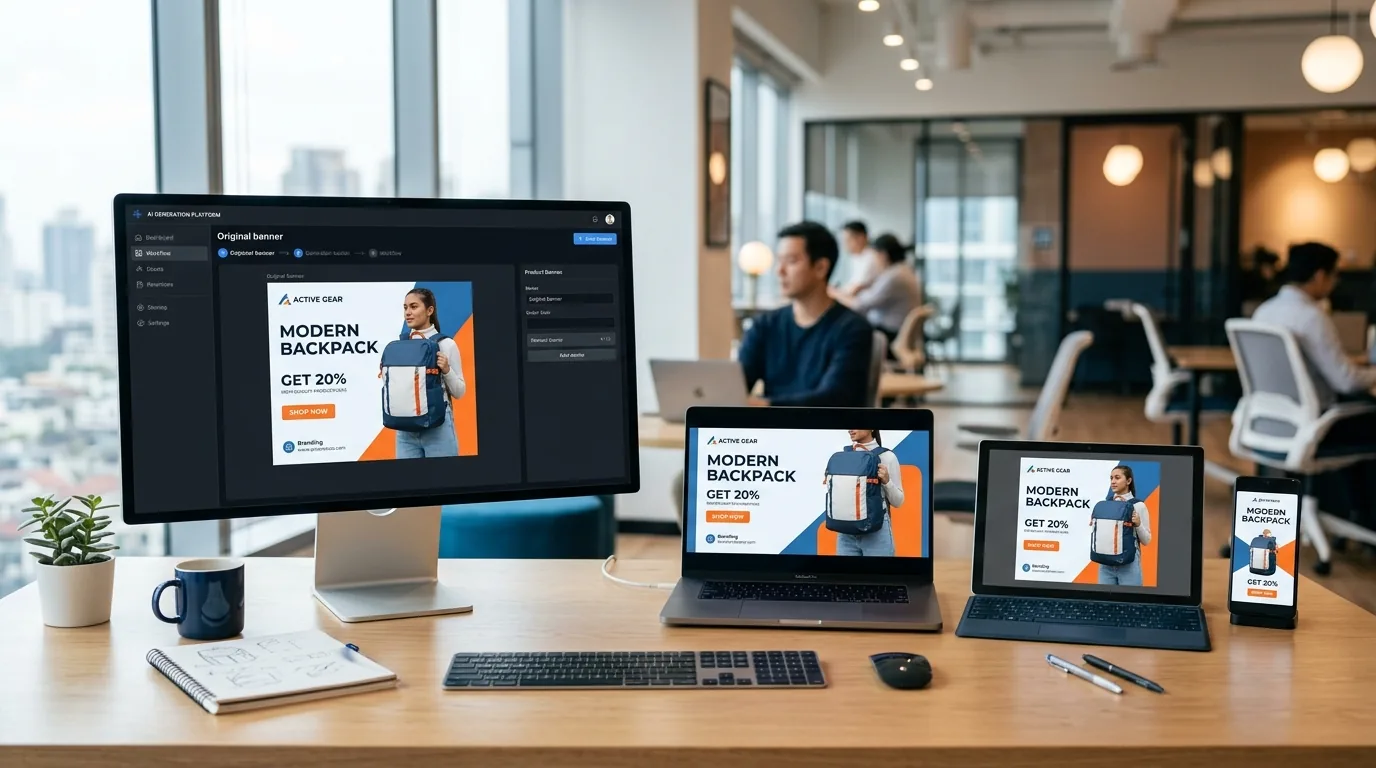
Multiple Design Styles is an AI-powered tool that allows you to generate different visual styles for the same content or layout.
The AI intelligently varies layout structure, typography emphasis, color treatment, and visual tone and mood. Your content stays consistent and style adapts.
Simple workflow
Style-first workflow:
No redesign loops. No creative blocks.
What You Can Do with Multiple Design Styles
Generate multiple design styles instantly.
Explore creative directions safely.
Compare styles side by side.
Reduce redesign time.
Improve creative decision-making.
Built for experimentation and performance.
Who Should Use Multiple Design Styles?
Test different creative approaches for campaigns.
Find a visual style that fits their identity.
Match invitation style to event tone.
Present multiple creative options to clients.
LovPics Tools
Multiple Design Styles integrates with: AI Banners for style variations for ads; AI Posters for different campaign looks; AI Invitations for formal, casual, festive styles; AI Thumbnails to test visual appeal; Bulk Image Export to export all styles together.
Style exploration fits everywhere.
Comparison
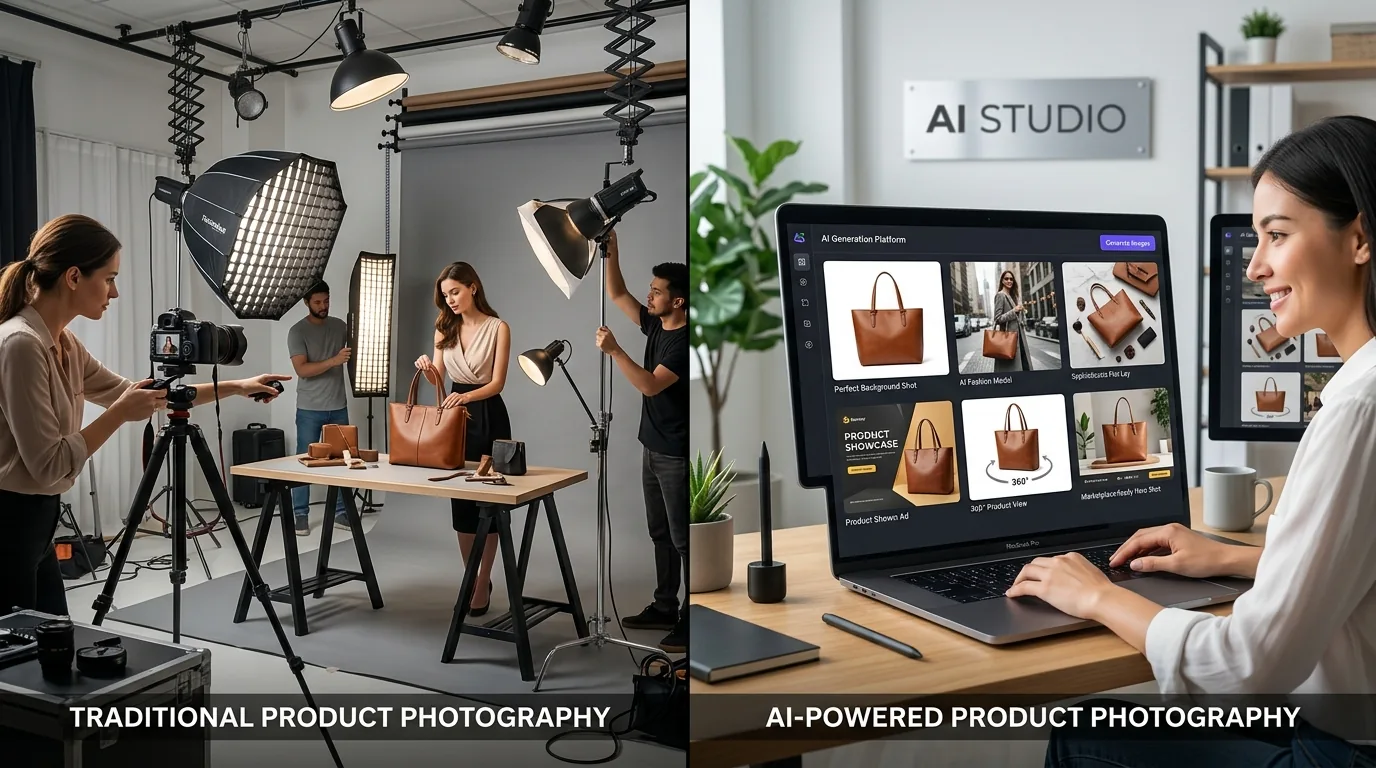
Manual Redesign → Slow, repetitive.
AI Style Generation → Fast, flexible, scalable.
Creativity shouldn't be limited by time.
See what works before committing.
No waiting for redesigns.
Reduce repeated design efforts.
Handle multiple styles effortlessly.
FAQ
One Message. Unlimited Creative Directions.
With Multiple Design Styles, LovPics gives you the freedom to experiment, compare, and choose the best visual direction fast and confidently.
Start exploring design styles with AI today
Share your mobile number and our team will call you to walk through Lovpics - product shoots, fashion, reels, and more.
By submitting, you agree to be contacted about Lovpics. We respect your privacy.