Advanced Image Editing for Productshoot: Make Complex Image Changes with AI Precision
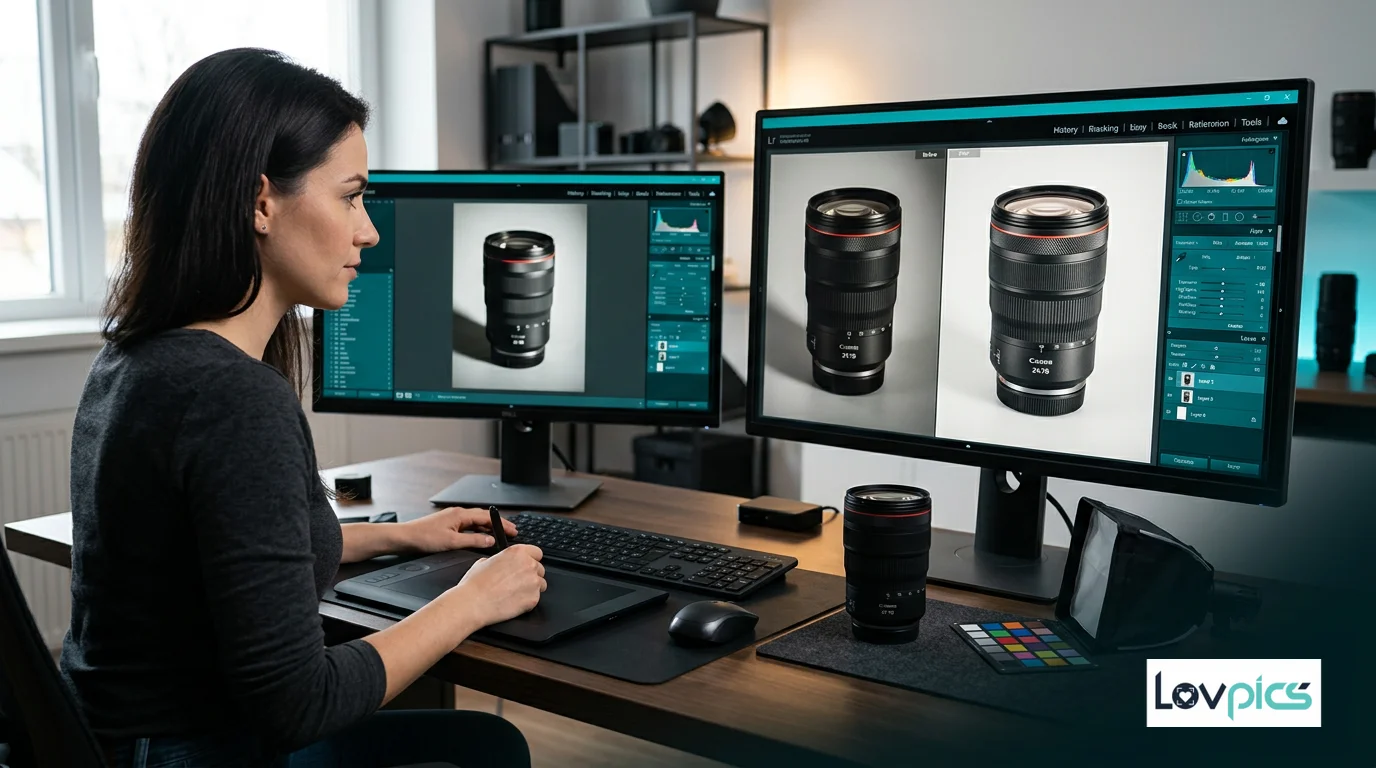
Product photography post-production often requires complex edits that go beyond simple adjustments. Removing unwanted elements, modifying backgrounds, refining product details, and enhancing overall image quality—these tasks traditionally require skilled editors and hours of manual work. Advanced Image Editing changes this by bringing AI-powered precision to complex image modifications, allowing you to make sophisticated edits while maintaining realism and professional quality.
The Complex Editing Challenge
Product images often need edits that are difficult or time-consuming to perform manually. Removing background distractions, modifying product colors, refining lighting, or enhancing details—these tasks require precision and expertise. For brands producing hundreds of product images, complex editing becomes a significant bottleneck that delays launches and increases costs.
Even worse, manual editing introduces inconsistency. Different editors approach edits differently, leading to variations in quality and style across your catalog. Advanced Image Editing solves this by applying consistent, intelligent edits automatically while maintaining the flexibility for manual refinement when needed.
What Is Advanced Image Editing?
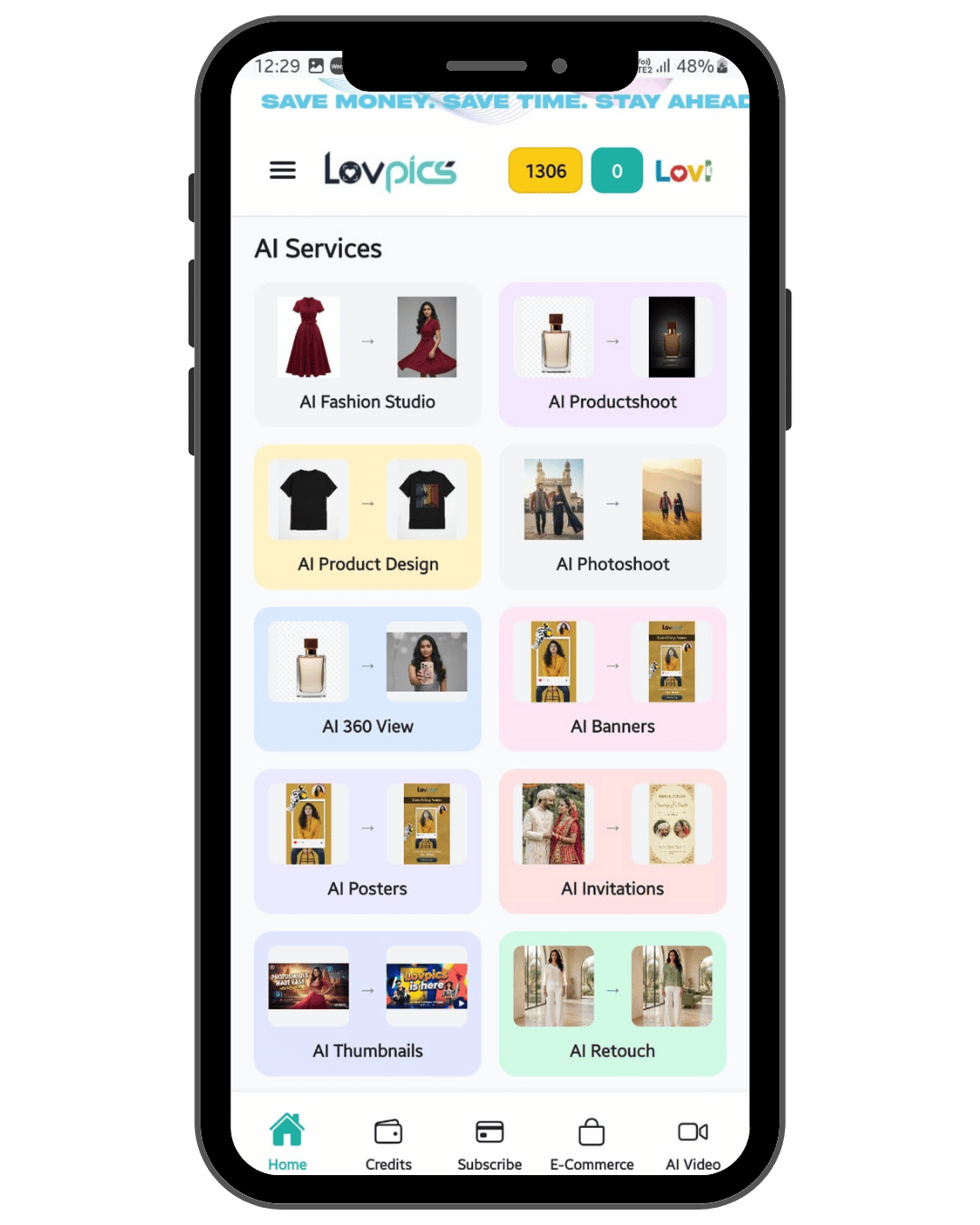
Advanced Image Editing is an AI-powered editing tool within the LovPics AI Productshoot platform that performs complex image modifications with precision. Unlike basic editing tools that handle simple adjustments, Advanced Image Editing can modify elements, refine details, enhance quality, and make sophisticated changes while maintaining realism.
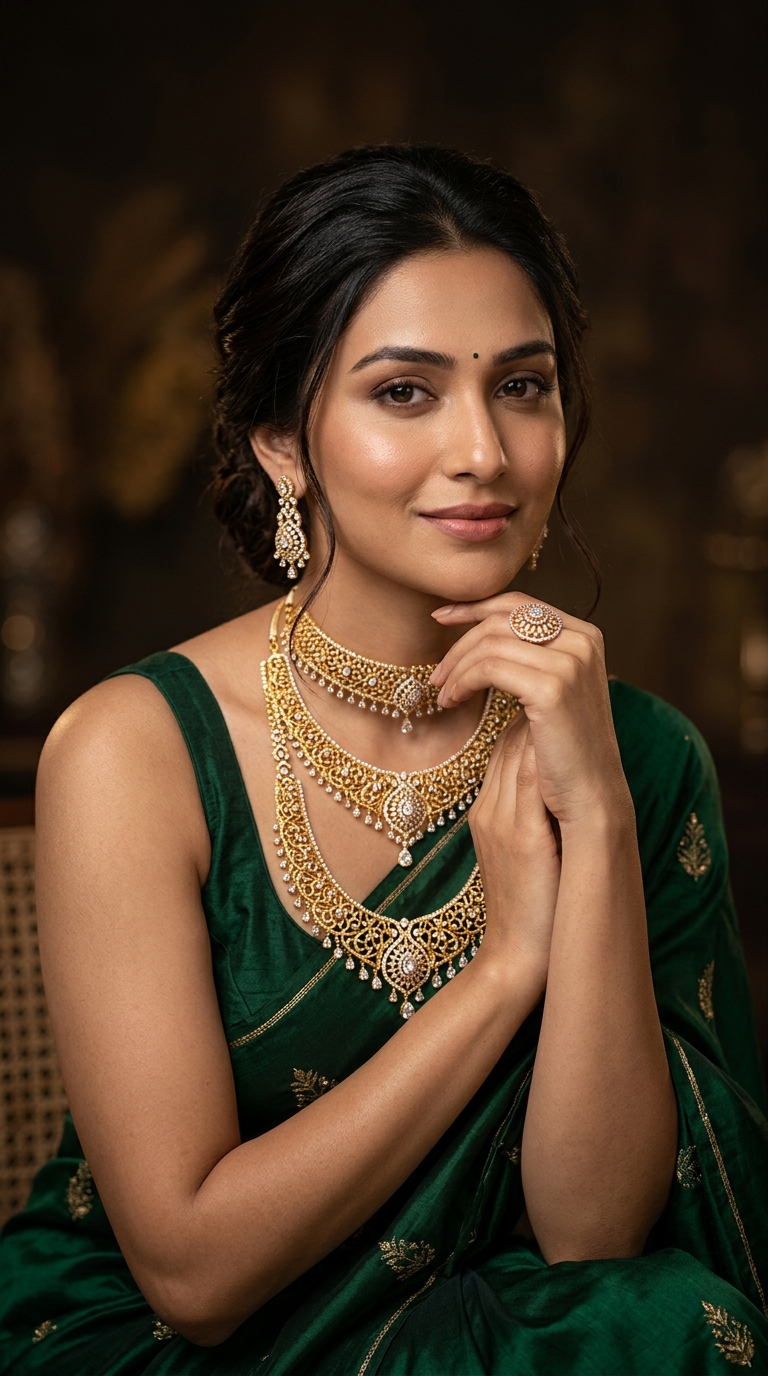
The technology understands product photography context—how lighting should fall, how colors should appear, how details should be enhanced. This contextual understanding means edits look natural and professional, not artificial or over-processed. The result is polished, publication-ready images with sophisticated modifications that would be difficult or impossible to achieve manually.
How Advanced Image Editing Works
The process begins when you upload images and specify the edits you want to make. You can remove unwanted elements, modify backgrounds, adjust product colors, refine lighting, enhance details, or make other complex modifications. The AI analyzes your images and applies edits with precision.
The technology understands image context and applies edits intelligently. When removing elements, it fills spaces naturally. When modifying colors, it maintains realistic appearance. When enhancing details, it preserves natural texture. This intelligent application ensures edits look professional and realistic.
What makes Advanced Image Editing particularly powerful is its ability to maintain realism while performing complex modifications. Edits preserve natural appearance, realistic lighting, and authentic details—ensuring your images maintain credibility and appeal.
Key Features and Capabilities
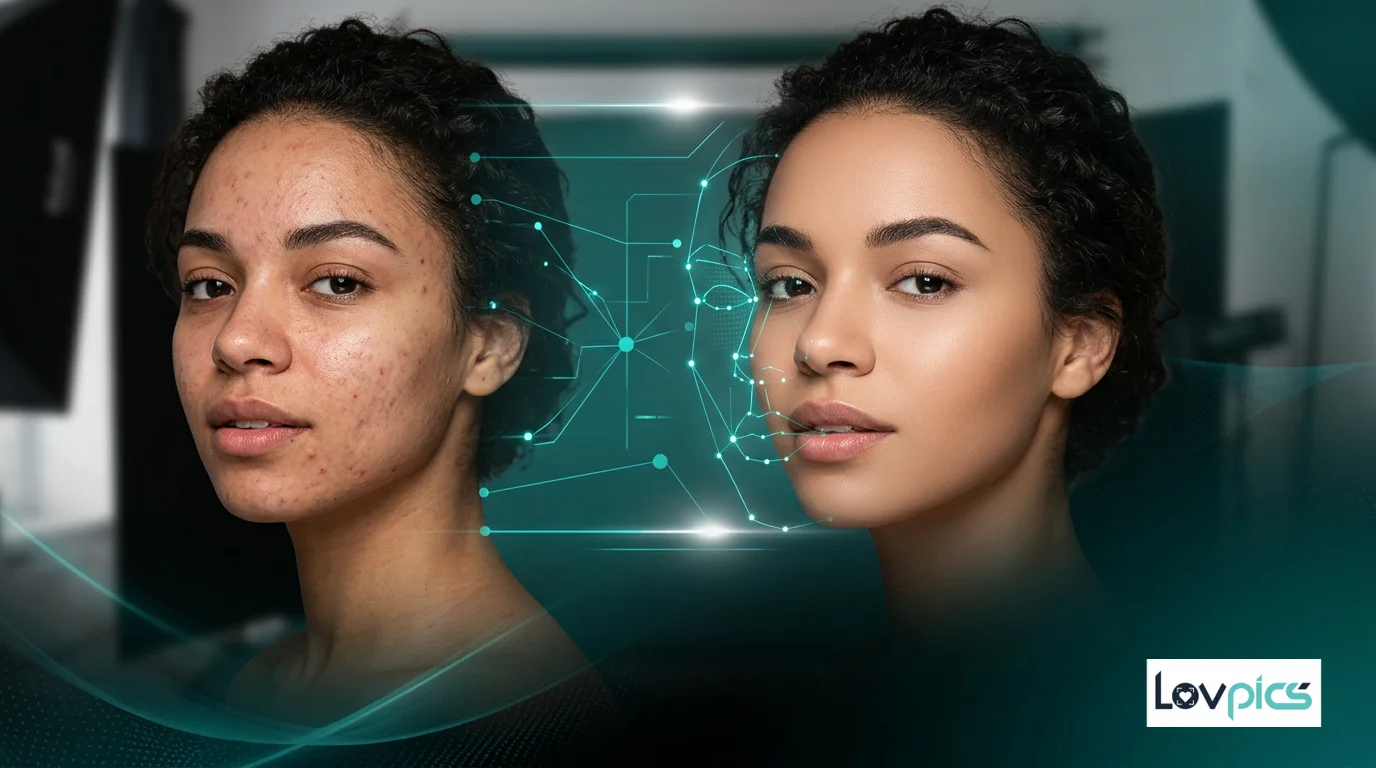
Advanced Image Editing offers comprehensive editing capabilities tailored for product photography. Element removal eliminates unwanted objects or distractions while filling spaces naturally. Background modification changes backgrounds while maintaining realistic lighting and shadows. Color adjustment modifies product colors while preserving material appearance and texture.
The tool also handles detail enhancement—sharpening product features, improving texture clarity, and refining overall image quality. All while maintaining realism and avoiding the over-processed look that plagues many automated editing solutions.
Perhaps most importantly, Advanced Image Editing maintains consistency across batches. When editing multiple images from the same photoshoot or collection, the AI applies consistent edits, ensuring your catalog feels cohesive and professional.
Benefits for E-commerce Brands
The advantages of Advanced Image Editing extend far beyond time savings. For online stores, sophisticated edits significantly improve image quality and presentation. Products look more polished, backgrounds are cleaner, and overall visual appeal increases—all of which improves conversion rates.
For brands managing large catalogs, Advanced Image Editing dramatically reduces editing costs. Instead of paying editors to manually perform complex edits on hundreds of images, you can batch-process images with consistent, high-quality results. This efficiency allows you to allocate resources to growth rather than production overhead.
Perhaps most importantly, Advanced Image Editing ensures brand consistency. By applying edits based on your brand's aesthetic preferences, it ensures that every image aligns with your visual identity, regardless of when it was edited or who processed it.
Integration with Productshoot Tools
Advanced Image Editing works seamlessly with other tools in the Productshoot ecosystem. After generating images with E-commerce Shoot Packs or AI Concept Packs, you can refine them with Advanced Image Editing. The tool understands the context of AI-generated images and applies appropriate enhancements.
Advanced Image Editing also integrates with Model-Integrated Concepts and AI Prop Assistant, allowing you to refine visuals that include models or props. This integration creates a complete workflow where generated images become polished, publication-ready visuals.
Real-World Applications
Consider an e-commerce brand launching 200 products. Traditional editing might require 15-20 minutes per image for complex edits, meaning 50-67 hours of editing time. With Advanced Image Editing, the brand can batch-process images, reducing editing time by 70-80% while maintaining or improving quality.
Or imagine a brand that wants to refresh existing product images to match a new brand aesthetic. Instead of manually re-editing hundreds of images, Advanced Image Editing can apply the new aesthetic consistently across the entire catalog, ensuring brand evolution happens smoothly and efficiently.
Best Practices for Advanced Editing
To get the most out of Advanced Image Editing, start with high-quality source images. While the AI can enhance various image qualities, better source material produces better results. Ensure your images have good lighting and clear focus before applying advanced edits.
Use Advanced Image Editing as part of a complete workflow. Generate images with other Productshoot tools, then refine them with Advanced Image Editing. This combination ensures you're starting with strong source material and enhancing it intelligently.
Finally, review and refine. While Advanced Image Editing applies intelligent edits automatically, reviewing results and making manual adjustments when needed ensures your images meet your exact standards. The tool is designed to accelerate your workflow, not replace your creative judgment.
Conclusion
Advanced Image Editing represents a fundamental shift in product photography post-production. By bringing AI-powered precision to complex image modifications, it makes sophisticated editing accessible, fast, and consistent—eliminating one of the biggest bottlenecks in product visual production.
As e-commerce competition intensifies and customer expectations rise, brands that can produce polished, professional product imagery quickly will have significant advantages. Advanced Image Editing enables brands to make complex edits efficiently, maintain brand consistency, and allocate creative resources to innovation rather than repetitive editing tasks.
Frequently Asked Questions
What types of complex edits can Advanced Image Editing perform?
Advanced Image Editing can perform various complex edits including element removal, background modification, color adjustment, lighting refinement, detail enhancement, and other sophisticated modifications. The AI applies edits with precision while maintaining realistic appearance.
Will advanced edits maintain realism?
Yes, Advanced Image Editing is designed specifically to maintain realistic appearance while performing complex modifications. The AI understands product photography context and applies edits that look natural and professional, avoiding over-processed or artificial effects.
Can I batch-process multiple images with Advanced Image Editing?
Yes, Advanced Image Editing can process multiple images simultaneously, applying consistent edits across batches. This makes it ideal for editing entire collections or photoshoots efficiently while maintaining visual consistency.
Does Advanced Image Editing work with AI-generated images?
Yes, Advanced Image Editing works seamlessly with images generated by other Productshoot tools like E-commerce Shoot Packs or AI Concept Packs. The tool understands the context of AI-generated images and applies appropriate enhancements.
Can I still make manual edits after using Advanced Image Editing?
Absolutely. Advanced Image Editing is designed to accelerate your workflow, not replace manual control. You can review AI-applied edits and make manual adjustments as needed, ensuring your images meet your exact creative standards.
Make complex edits with AI precision
Modify elements, refine details, and enhance images deeply while maintaining realism and professional quality.