AI Creative Director: The Easy Way to Maintain Visual Consistency

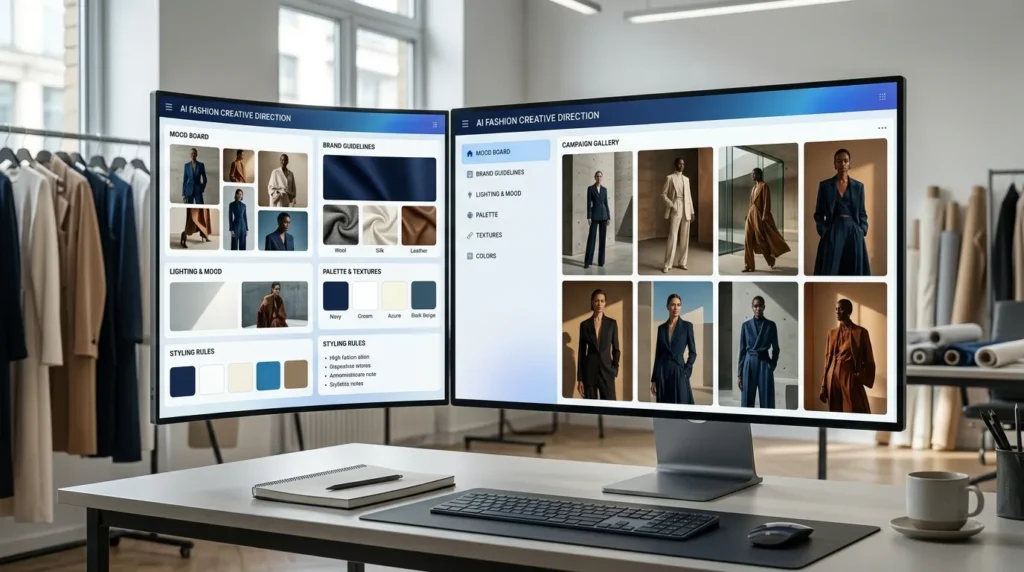
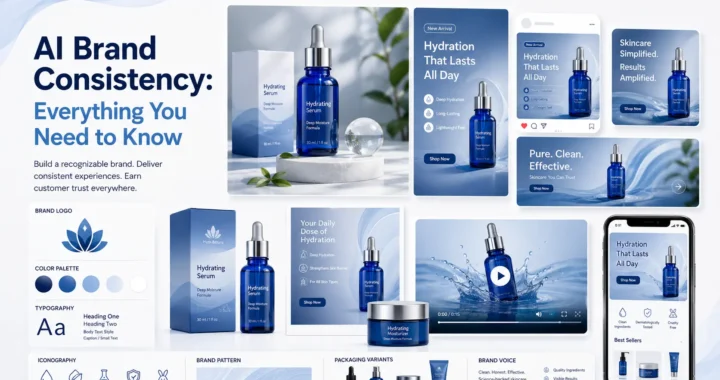
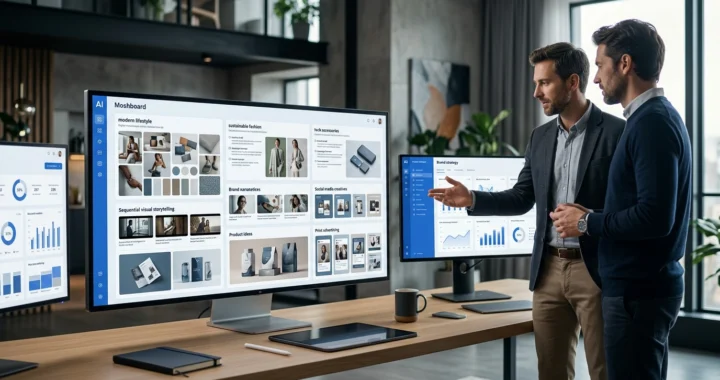
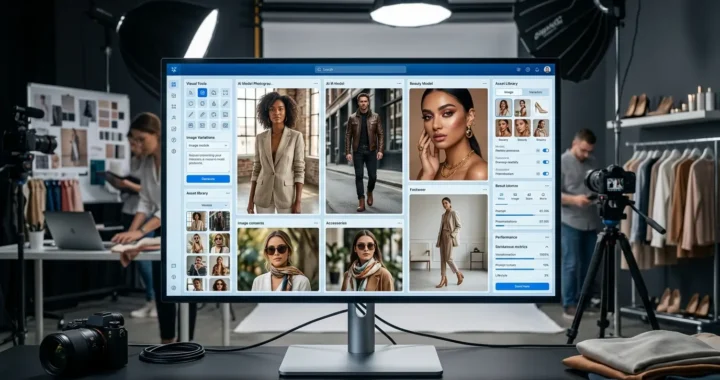
AI Creative Director helps fashion brands define their visual identity once and automatically apply it across every AI-generated image. Instead of repeatedly explaining creative preferences for every campaign or photoshoot, AI maintains consistent styling, lighting, mood, composition, and brand aesthetics—allowing businesses to scale content production without sacrificing visual consistency.
Key Takeaways
- Maintain consistent fashion visuals across every campaign.
- Define your creative direction once and reuse it everywhere.
- Build a recognizable brand identity with AI.
- Eliminate repetitive creative briefing.
- Scale fashion content while staying on brand.
Why Visual Consistency Matters More Than Ever
Every successful fashion brand has a recognizable visual identity. Customers may not consciously notice it, but they immediately recognize:
- Photography style
- Lighting
- Model posing
- Color palette
- Mood
- Composition
- Background selection
- Overall aesthetic
These visual elements create familiarity. Over time, familiarity builds trust. Trust builds stronger brands. The challenge is maintaining this consistency as content production grows.
The Problem with Scaling Fashion Content
Creating ten product images is relatively easy. Creating ten thousand images while maintaining identical creative quality is far more difficult. As brands expand, they often work with:
- Multiple photographers
- Different designers
- External agencies
- Various production teams
- New creative staff
- Different campaigns
Each contributor brings their own creative interpretation. Gradually, the brand’s visual identity begins to drift. Catalogs become inconsistent. Campaigns feel disconnected. Customers notice the difference even if they cannot explain why.
What Is AI Creative Director?
AI Creative Director is an intelligent creative management system within LovPics AI Fashion Studio that remembers your brand’s visual identity and automatically applies it to every generated image.
Instead of writing detailed creative briefs for every photoshoot or AI generation, you define your creative vision once.
The AI then consistently follows that vision throughout your entire workflow.
It manages elements such as:
- Mood
- Tone
- Lighting
- Color palette
- Camera angles
- Styling
- Composition
- Visual storytelling
Every generated image follows the same creative direction, regardless of who generates it.
Why AI Creative Direction Changes Everything
Traditional creative direction depends heavily on human interpretation.
Even detailed brand guidelines cannot guarantee consistent execution.
AI Creative Director transforms creative direction into an intelligent system rather than a reference document.
Benefits include:
- Consistent branding
- Faster creative production
- Fewer revision cycles
- Reduced creative briefing
- Better catalog consistency
- Stronger customer recognition
- Easier campaign management
- Scalable content creation
Instead of reviewing every image manually, brands can trust AI to maintain creative quality automatically.
Introducing the BRAND Framework™
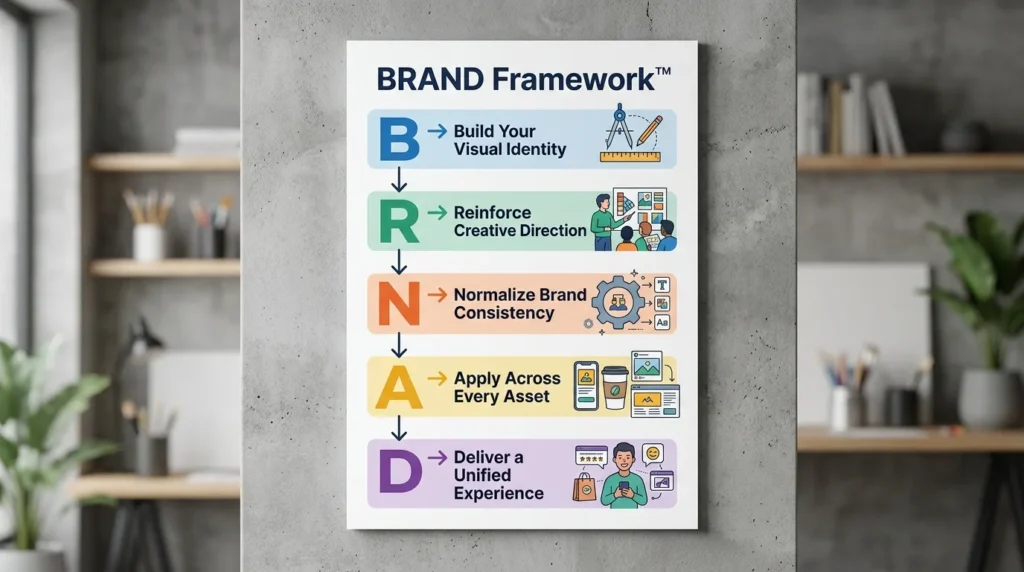
At LovPics, we believe strong brands are built through consistent visual storytelling. The BRAND Framework™ helps fashion businesses establish and maintain a recognizable creative identity across every AI-generated asset.
B – Build Your Visual Identity
Define your brand’s creative DNA, including mood, lighting, styling, composition, and overall aesthetic.
R – Reinforce Creative Direction
Apply the same visual rules consistently across campaigns, collections, and product catalogs.
A – Apply Across Every Asset
Automatically extend your creative direction to product photos, model images, campaigns, lookbooks, and marketing materials.
N – Normalize Brand Consistency
Ensure every new image feels like it belongs to the same brand regardless of when or how it was created.
D – Deliver a Unified Experience
Present customers with a consistent visual journey that strengthens brand recognition and builds long-term trust.
How AI Creative Director Works
The process begins by defining your brand’s creative vision. Within LovPics, you configure your preferred visual style by selecting creative parameters such as:
- Mood
- Lighting
- Styling preferences
- Color palette
- Composition
- Camera perspective
- Fashion aesthetic
- Visual tone
Once your creative direction is saved, it becomes the foundation for future image generation. Whenever you create new fashion visuals, the AI automatically references these settings to ensure every output follows the same creative identity. Instead of repeating instructions for every campaign, your creative vision becomes permanently integrated into the production workflow.
Why AI Makes Creative Consistency Scalable
Creative consistency has traditionally required constant supervision. Creative directors reviewed every photoshoot, every campaign, and every catalog update to ensure brand standards were maintained.
AI changes this workflow completely. Rather than manually enforcing creative rules, AI continuously applies them throughout every generation process.
This allows fashion brands to produce thousands of professional visuals while preserving the same recognizable style that customers associate with the brand. As content demands continue to increase, AI Creative Director enables businesses to scale production without losing the identity that makes their brand unique.
Read more articles on AI Concepts & Creative Direction
Real-World Applications of AI Creative Director
Building a strong fashion brand requires more than beautiful images. Every product photo, campaign, and marketing visual should reinforce the same brand identity. AI Creative Director helps businesses maintain this consistency automatically while scaling content production across multiple collections and marketing channels.
AI Creative Director for Fashion Brands
Fashion brands release multiple collections every year. Each collection may include hundreds of products, model photos, lifestyle campaigns, and promotional assets. AI Creative Director ensures every image follows the same creative vision, creating a unified catalog that strengthens brand recognition.
AI Creative Director for Ecommerce Fashion Stores
Online shoppers judge fashion brands within seconds. Consistent product photography builds trust and creates a premium shopping experience.
AI Creative Director automatically maintains consistent:
- Lighting
- Model styling
- Backgrounds
- Composition
- Mood
- Color palette
- Camera perspective
This consistency improves both brand perception and customer confidence.
AI Creative Director for Fashion Agencies
Creative agencies often manage several brands with completely different visual identities. AI Creative Director allows agencies to create and save separate creative profiles for each client, ensuring that every campaign follows the correct brand guidelines without confusion. Switching between brands becomes effortless.
AI Creative Director for Seasonal Campaigns
Every season requires a different creative mood.
For example:
- Spring collections may use bright natural lighting.
- Summer campaigns often feature vibrant outdoor settings.
- Autumn collections emphasize earthy tones.
- Winter campaigns may use dramatic lighting and luxury styling.
AI Creative Director allows brands to save multiple creative directions and instantly apply the appropriate visual identity for each campaign.
AI Creative Director for Marketplace & Catalog Production
Large fashion catalogs often involve thousands of images. Maintaining visual consistency manually becomes increasingly difficult. AI Creative Director helps every generated image follow identical creative standards, resulting in catalogs that appear professionally art-directed from beginning to end.
AI Creative Director Across the LovPics Workflow
The real value of AI Creative Director comes from its seamless integration with the complete LovPics AI Fashion Studio. Rather than functioning as a standalone feature, it provides creative guidance across every AI-powered fashion tool.
AI Creative Director integrates with:
- AI Fashion Studio
- AI Concept Generator
- AI Fashion Photoshoot
- Multi-Pose Generation
- Apparel Color Switch
- AI Virtual Try-On
- Smart Image Editing
- AI Retouch
- Reusable Templates
- Bulk Image Export
Together, these tools create an intelligent production pipeline where every generated asset automatically follows your brand’s creative identity.
Common Mistakes When Managing Fashion Branding
Changing Creative Styles Too Frequently
Constantly changing photography styles makes brands difficult to recognize. Maintain a stable visual identity while allowing room for seasonal creativity.
Creating Different Looks Across Teams
Different photographers, designers, or agencies often interpret creative briefs differently. AI Creative Director ensures everyone works from the same creative foundation.
Writing Creative Briefs for Every Campaign
Repeating the same styling instructions wastes valuable production time. Define your creative direction once and allow AI to apply it automatically.
Ignoring Catalog Consistency
Individual images may look excellent on their own while appearing inconsistent together. Customers experience your entire catalog, not just one product photo. AI helps maintain consistency across every visual asset.
Treating Brand Guidelines as Static Documents
Traditional style guides depend on people remembering to follow them. AI Creative Director transforms creative guidelines into intelligent production rules that are automatically applied during image generation.
The Future of AI Creative Direction
Fashion content production continues to accelerate. Brands now require more images, more campaigns, more personalization, and faster product launches than ever before. Artificial intelligence is transforming creative direction from a manual approval process into an intelligent production system.
Future AI Creative Director capabilities may include:
- Automated brand learning
- Personalized creative directions
- Trend-aware styling recommendations
- AI-generated campaign concepts
- Audience-specific visual identities
- Predictive creative optimization
Businesses that adopt AI-powered creative direction today will build stronger brand recognition while producing visual content at unprecedented scale.
Comparison Table
Traditional Creative Direction vs AI Creative Director
| Feature | Traditional Creative Direction | AI Creative Director |
|---|---|---|
| Creative Briefs | Manual | One-Time Setup |
| Brand Consistency | Team Dependent | AI Enforced |
| Scalability | Limited | Excellent |
| Campaign Speed | Slow | Fast |
| Multiple Brand Profiles | Difficult | Easy |
| Creative Revisions | Frequent | Minimal |
| Visual Quality Control | Manual | Automated |
| Best For | Small Creative Teams | Growing Fashion Brands |
Decision Matrix
Who Should Use AI Creative Director?
| Business Type | Recommended |
|---|---|
| Fashion Brands | ⭐⭐⭐⭐⭐ |
| Apparel Manufacturers | ⭐⭐⭐⭐⭐ |
| Ecommerce Fashion Stores | ⭐⭐⭐⭐⭐ |
| Fashion Marketing Agencies | ⭐⭐⭐⭐⭐ |
| D2C Fashion Brands | ⭐⭐⭐⭐⭐ |
| Clothing Startups | ⭐⭐⭐⭐ |
| Lifestyle Brands | ⭐⭐⭐⭐ |
| Creative Studios | ⭐⭐⭐⭐ |
Frequently Asked Questions
What is AI Creative Director?
AI Creative Director is an AI-powered creative management system that helps fashion brands define a visual identity once and automatically apply it across every AI-generated image.
How does AI Creative Director maintain visual consistency?
It stores your preferred creative settings, including mood, lighting, styling, color palette, composition, and overall aesthetic, and automatically applies them whenever new visuals are generated.
Can I create multiple creative profiles?
Yes. You can create separate creative directions for different brands, collections, campaigns, or seasonal launches and switch between them whenever needed.
Does AI Creative Director work with other LovPics tools?
Absolutely. It integrates with AI Fashion Studio, AI Concept Generator, Multi-Pose Generation, AI Virtual Try-On, AI Retouch, Smart Image Editing, and other Fashion Studio features to ensure every generated image follows the same creative direction.
Can I update my creative direction later?
Yes. Your creative direction can be modified at any time. New settings are automatically applied to future image generations while preserving flexibility as your brand evolves.
Is AI Creative Director useful for agencies?
Yes. Agencies managing multiple fashion brands can create unique creative profiles for each client, ensuring every campaign maintains the correct brand identity without repetitive briefing.
Does AI Creative Director replace fashion creative directors?
No. AI Creative Director supports creative professionals by automating consistency and repetitive production tasks, allowing teams to focus on strategy, storytelling, innovation, and brand development.
Why should I use LovPics for AI Creative Director?
LovPics combines AI Creative Director, AI Fashion Studio, AI Concept Generator, AI Fashion Photoshoot, AI Virtual Try-On, Multi-Pose Generation, Smart Image Editing, AI Retouch, and Reusable Templates into one AI-powered creative ecosystem, helping fashion brands produce visually consistent content faster while protecting their unique brand identity.
Conclusion
Strong fashion brands are recognized not only by their products but also by their visual identity. Every campaign, catalog, and product image contributes to how customers perceive the brand.
AI Creative Director transforms creative direction from a manual process into an intelligent system that automatically maintains consistency across every AI-generated visual. By defining your creative vision once, you can scale fashion content production, accelerate campaigns, and preserve a cohesive brand experience across every customer touchpoint.
As fashion content becomes increasingly AI-driven, brands that combine creativity with intelligent consistency will be better positioned to build trust, strengthen recognition, and grow their presence in a highly competitive market.