


GIF Speed Control: Fine-Tune Product Animations
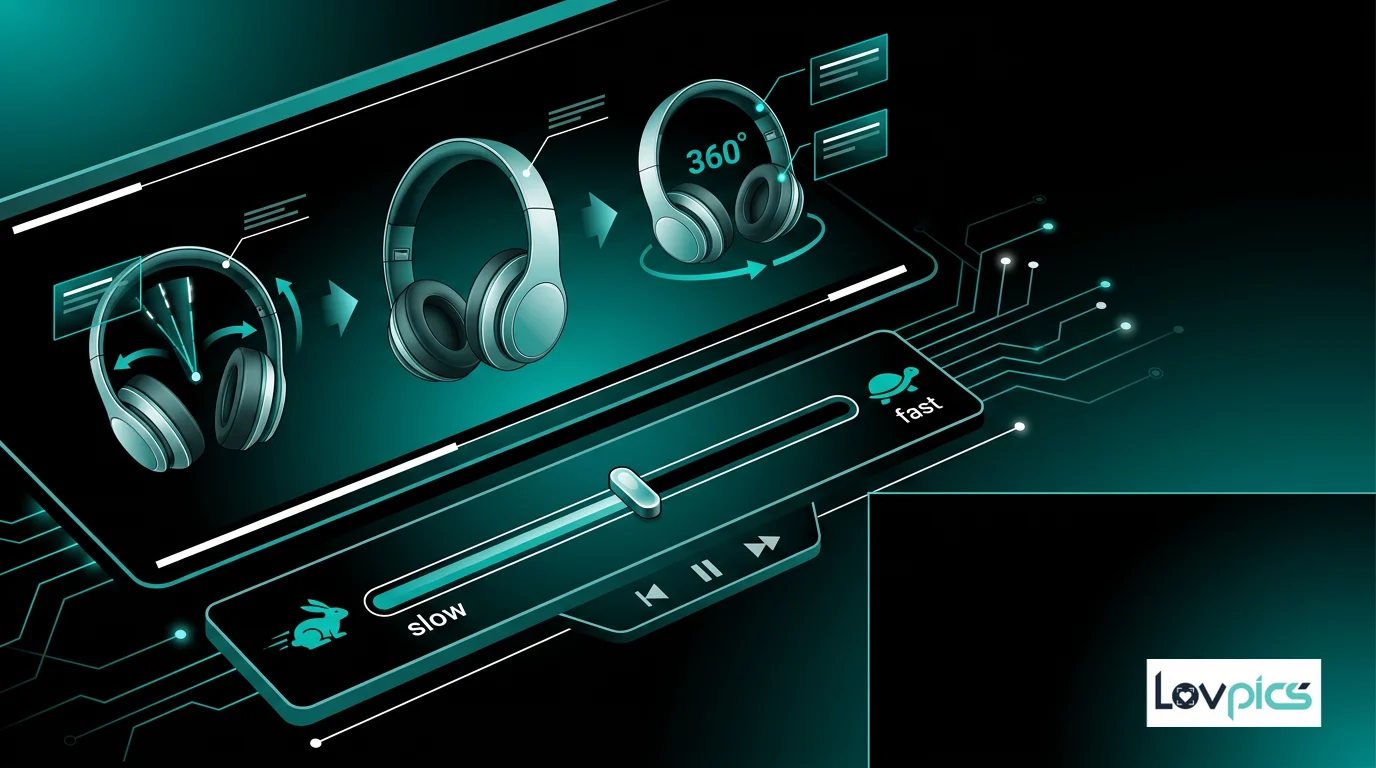
Animation speed can make or break engagement. Even great animations fail if the timing feels wrong. GIF Speed Control lets you fine-tune product animations so motion feels smooth, intentional, and perfectly suited to every platform.
The Importance of Animation Timing
Animation speed is not just a technical detail—it's a critical factor in how viewers perceive and engage with your content. Animations that move too fast can be difficult to follow, while animations that move too slowly can feel boring or unprofessional.
Different platforms and use cases require different animation speeds. Social media feeds may benefit from faster animations that capture attention quickly, while product pages might need slower animations that allow customers to examine products carefully.
What Is GIF Speed Control?
GIF Speed Control is an AI-powered tool that lets you adjust the speed of 360° product GIFs and other animations. Instead of accepting default animation speeds, you can fine-tune timing to match your needs and platform requirements.
The technology maintains smooth frame transitions regardless of speed, ensuring that your animations look professional whether they're fast-paced or slow and deliberate. This control enables you to optimize animations for maximum impact.
Benefits of Speed Control
GIF Speed Control offers several advantages:
- Platform Optimization: Adjust speeds to match platform best practices and user expectations.
- Better Engagement: Find the optimal speed that captures attention without overwhelming viewers.
- Professional Appearance: Control timing to create polished, intentional animations.
- Flexibility: Test different speeds to find what works best for your products and audience.
Use Cases for Speed Control
GIF Speed Control is valuable for several scenarios:
Social Media: Create faster animations for social media feeds that need to capture attention quickly in fast-scroll environments.
Product Pages: Use slower animations on product pages that allow customers to examine products carefully and make informed decisions.
Email Marketing: Optimize speeds for email campaigns, ensuring animations are engaging but not distracting.
A/B Testing: Test different animation speeds to find what drives the best engagement and conversion rates.
Integration with Other Tools
GIF Speed Control works seamlessly with other LovPics animation tools. Use it with Background Color GIFs or Background Text GIFs to control the overall animation pace.
For 360° product views, combine speed control with Multi-Frame 360 Generation to create perfectly timed product rotations.
Best Practices for Animation Speed
To optimize animation speeds, consider these best practices:
Know Your Platform: Different platforms have different expectations. Research best practices for each platform you're using.
Consider Your Audience: Think about how your audience consumes content. Fast-scroll environments may need faster animations, while detailed product examination may need slower speeds.
Test and Iterate: Test different speeds to find what works best for your specific products and use cases.
Maintain Smoothness: Ensure animations remain smooth regardless of speed. The AI maintains frame quality at all speeds.
The Psychology of Animation Speed
Animation speed affects how viewers perceive content. Faster animations can create excitement and urgency, while slower animations can feel more deliberate and premium.
Understanding this psychology helps you choose speeds that match your brand and messaging. Luxury brands might use slower, more deliberate animations, while fast-paced brands might use quicker animations that match their energy.
Technical Considerations
When adjusting animation speeds, consider file size and loading times. Faster animations may require more frames, potentially increasing file size. The AI optimizes animations to balance speed, quality, and file size.
For platforms with specific requirements, you can adjust speeds to match those requirements while maintaining visual quality and smooth transitions.
Frequently Asked Questions
What speed range can I control?
You can adjust animation speeds across a wide range, from very slow, deliberate animations to fast-paced, attention-grabbing speeds. The AI maintains smooth transitions at all speeds.
Does speed control affect file size?
Animation speed can affect file size, as faster animations may require more frames. The AI optimizes animations to balance speed, quality, and file size for best performance.
Can I control speed for different animation elements separately?
Yes, you can control speeds for different elements, such as product rotation and background color changes, independently to create more dynamic animations.
How do I know what speed works best?
Test different speeds and measure engagement metrics. Consider your platform, audience, and use case. Faster speeds work well for attention-grabbing, while slower speeds work for detailed examination.
Optimize your animations
Fine-tune GIF speeds for maximum engagement and impact.