

Smart Image Editing for Product Design: AI-Powered Design Refinement
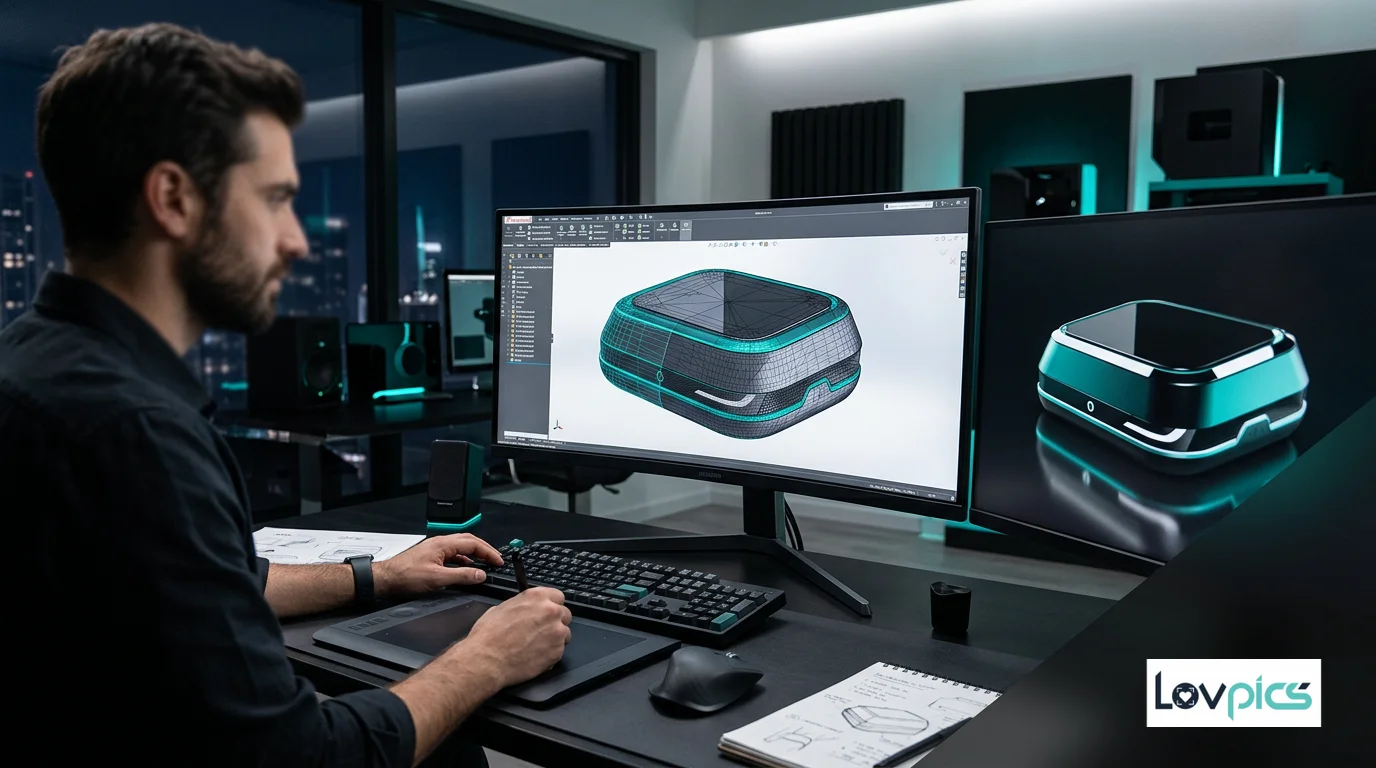
Product design workflows don't end when initial designs are created. Refinement, adjustment, and optimization are essential steps that transform good designs into great ones. Traditional editing workflows require design expertise, complex software, and significant time investment. Smart Image Editing for Product Design changes this by bringing AI-powered intelligence to design refinement, making professional editing accessible, fast, and consistent.
The Design Refinement Challenge
Every product design requires refinement. Adjusting colors, refining details, optimizing compositions, and enhancing overall visual appeal—these tasks are essential but time-consuming. For designers working on multiple projects or brands managing large design catalogs, refinement becomes a bottleneck that delays launches and increases costs.
Even worse, manual editing introduces inconsistency. Different designers approach refinement differently, leading to variations in quality and style across projects. Smart Image Editing solves this by applying consistent, intelligent edits automatically while maintaining design integrity.
What Is Smart Image Editing for Product Design?
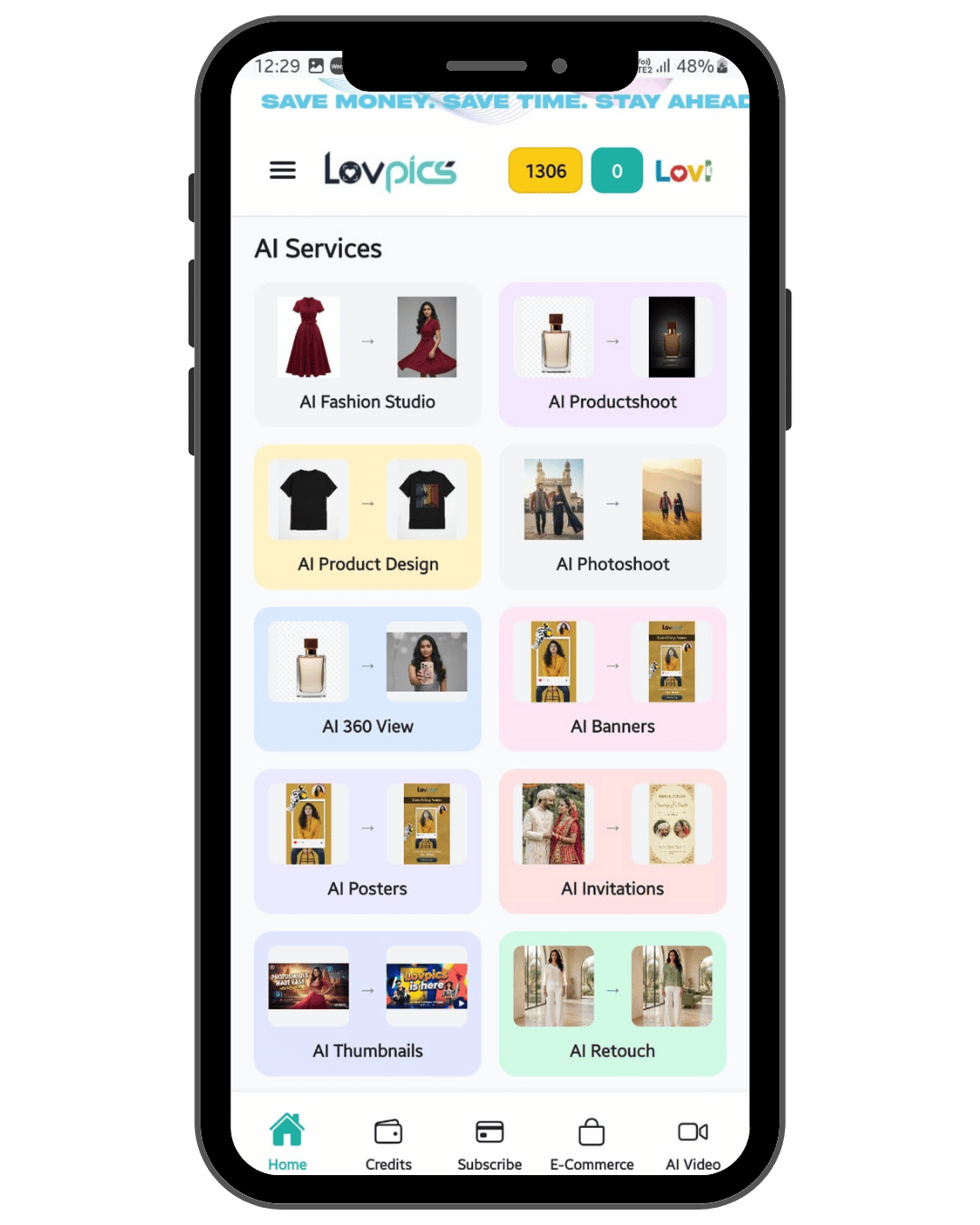
Smart Image Editing for Product Design is an AI-powered editing tool within the LovPics AI Product Design platform that understands design context and applies intelligent refinements automatically. Unlike basic editing tools, Smart Image Editing recognizes design elements, understands composition principles, and enhances visuals while maintaining design integrity.
The technology understands product design principles—how colors should appear, how compositions should be balanced, how details should be enhanced. This contextual understanding means edits look natural and professional, not artificial or over-processed. The result is polished, publication-ready designs with intelligent enhancements.
How Smart Image Editing Works
The process begins when you upload design images. The AI analyzes each image, understanding design elements, composition, and overall structure. Based on this analysis, it identifies areas that would benefit from enhancement—color refinement, detail sharpening, composition optimization, or quality improvement.
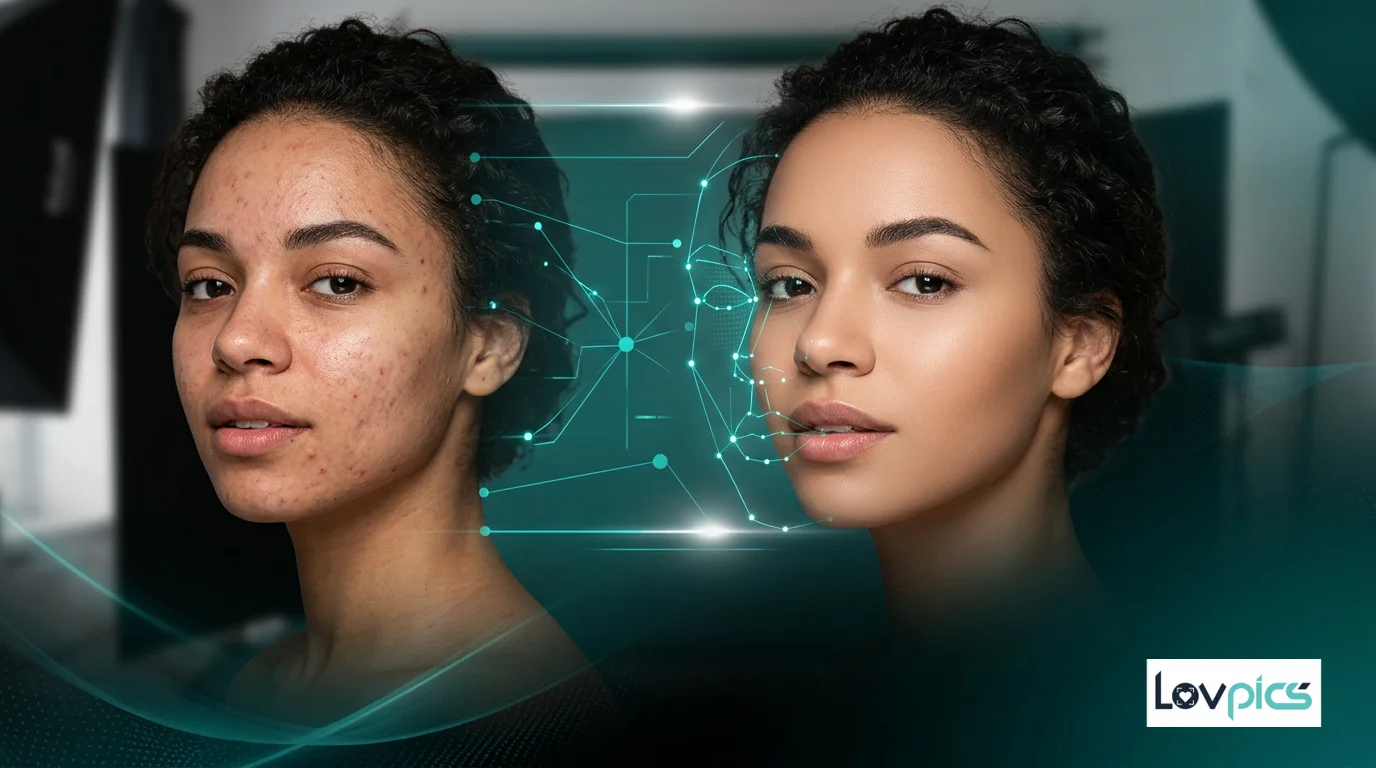
You can then choose to apply automatic enhancements or specify particular edits you want. The AI applies these changes intelligently, maintaining design integrity while improving visual quality. For example, it might enhance color accuracy without oversaturating, or sharpen details without creating artifacts.
What makes Smart Image Editing particularly powerful is its ability to learn from your preferences. As you refine edits or approve certain styles, the AI adapts to your design aesthetic, ensuring future edits align with your brand identity automatically.
Benefits for Product Designers
The advantages of Smart Image Editing extend far beyond time savings. For designers, faster refinement means more time for creative exploration. Generate design variations, test different approaches, and iterate quickly—all while maintaining professional quality.
For brands managing design catalogs, Smart Image Editing ensures consistency. By applying edits based on your brand's aesthetic preferences, it ensures that every design aligns with your visual identity, regardless of when it was created or who processed it.
Perhaps most importantly, Smart Image Editing makes professional editing accessible. Designers without extensive editing expertise can achieve professional results, while experienced designers can accelerate their workflows and focus on creative innovation.
Integration with Product Design Tools
Smart Image Editing works seamlessly with other tools in the Product Design ecosystem. After generating designs with AI Graphic Designer or exploring colors with Multi-Color Variant Generator, you can refine them with Smart Image Editing. The tool understands design context and applies appropriate enhancements.
These refined designs can also be exported for use in marketing materials, product catalogs, or manufacturing specifications. This integration creates a complete workflow where product designs become polished, publication-ready visuals.
Real-World Applications
Consider a product designer working on a new product line. Traditional refinement might require hours of manual editing for each design. With Smart Image Editing, the designer can batch-process designs, reducing refinement time by 70-80% while maintaining or improving quality.
Or imagine a brand that wants to refresh existing design visuals to match a new brand aesthetic. Instead of manually re-editing hundreds of designs, Smart Image Editing can apply the new aesthetic consistently across the entire catalog, ensuring brand evolution happens smoothly and efficiently.
Best Practices for Design Editing
To get the most out of Smart Image Editing, start with high-quality source designs. While the AI can enhance various design qualities, better source material produces better results. Ensure your designs have good composition and clear elements before applying smart edits.
Use Smart Image Editing as part of a complete workflow. Generate designs with other Product Design tools, then refine them with Smart Image Editing. This combination ensures you're starting with strong source material and enhancing it intelligently.
Finally, review and refine. While Smart Image Editing applies intelligent edits automatically, reviewing results and making manual adjustments when needed ensures your designs meet your exact standards. The tool is designed to accelerate your workflow, not replace your creative judgment.
Conclusion
Smart Image Editing for Product Design represents a fundamental shift in how design refinement is approached. By bringing AI-powered intelligence to editing workflows, it makes professional design refinement accessible, fast, and consistent.
As product design continues to evolve and market demands for quality increase, tools that enable rapid refinement while maintaining design integrity will become essential. Smart Image Editing enables designers to refine designs quickly, maintain brand consistency, and allocate creative resources to innovation rather than repetitive editing tasks.
Frequently Asked Questions
Can Smart Image Editing maintain design integrity while editing?
Yes, Smart Image Editing is designed specifically to maintain design integrity while enhancing visuals. The AI understands design context and applies edits that improve quality without compromising design elements or composition principles.
Can I customize Smart Image Editing to match my brand aesthetic?
Yes, Smart Image Editing learns from your preferences and can be customized to match your brand aesthetic. As you refine edits and approve certain styles, the AI adapts to ensure future edits align with your visual identity automatically.
Does Smart Image Editing work with AI-generated designs?
Yes, Smart Image Editing works seamlessly with designs generated by other Product Design tools like AI Graphic Designer or Multi-Color Variant Generator. The tool understands design context and applies appropriate enhancements.
Can I batch-process multiple designs with Smart Image Editing?
Yes, Smart Image Editing can process multiple designs simultaneously, applying consistent edits across batches. This makes it ideal for refining entire design catalogs efficiently while maintaining visual consistency.
Can I still make manual edits after using Smart Image Editing?
Absolutely. Smart Image Editing is designed to accelerate your workflow, not replace manual control. You can review AI-applied edits and make manual adjustments as needed, ensuring your designs meet your exact creative standards.
Refine designs intelligently
Enhance product designs with AI-powered editing that understands design context and maintains integrity.